
Zubaida Diagnostics — Clinical Intranet, Queue Automation & Medical Document Vault
Architecting an end-to-end, multi-floor hospital queue and diagnostic repository: empowering receptionists to register patients and issue hardware thermal tokens in under 35 seconds, isolating sensitive Windows 7 X-Ray machines with dual-NIC Ethernet bypasses, streaming direct WIA hardware scans via custom WinForms, and generating consolidated multi-page patient dossiers entirely client-side.
The Transformation: From 4-Minute Paper Chaos To Sub-35-Second Automated Care
In a high-throughput clinical diagnostic center processing upwards of 200 patients daily, patient care hinges directly on coordination between disparate departments spread across multiple floors. Historically, Zubaida Diagnostics operated on fragmented, manual workflows. Receptionists hand-wrote paper queue slips, while doctor consultations produced handwritten prescriptions that patients carried upstairs. Radiologists on the second floor manually saved heavy X-ray imaging files to unindexed Windows shared folders, and returning patients were forced to start from scratch if they misplaced their previous paper slip. Intake was paralyzed: receptionists spent over 4 minutes per patient cross-referencing ledger books and creating massive bottleneck lines at the entrance.
As lead system architect and software engineer, I designed and built the Zubaida Diagnostics Healthcare Management & Imaging Vault. The system unifies every clinical touchpoint across three physical floors over an air-gapped Gigabit intranet. Intake times collapsed from 4 minutes to under 35 seconds: registering a patient immediately auto-routes to the appointment screen with pre-filled metadata, and a single Enter keystroke issues a thermal token and cuts the receipt via raw ESC/POS hardware commands.
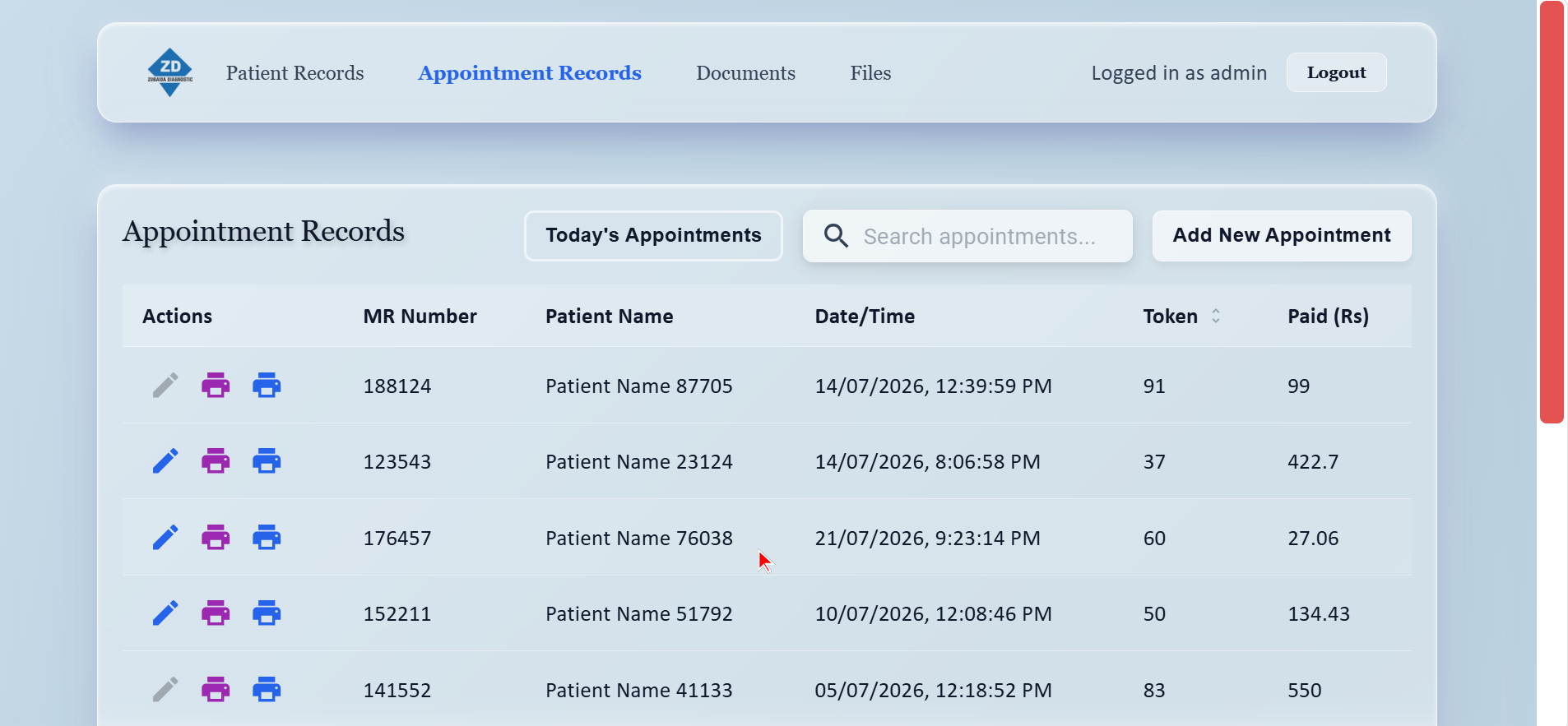
- Instant Intake Pipeline: Creating a patient record instantly navigates to appointment scheduling with auto-filled demographics; Enter confirms booking and triggers immediate hardware token printing.
- Hands-Free 2D QR Re-Scan: Every printed token encodes a verifiable QR code. Returning patients scan their prior ticket with a 2D scanner to automatically populate search and book a new visit without a single receptionist keystroke.
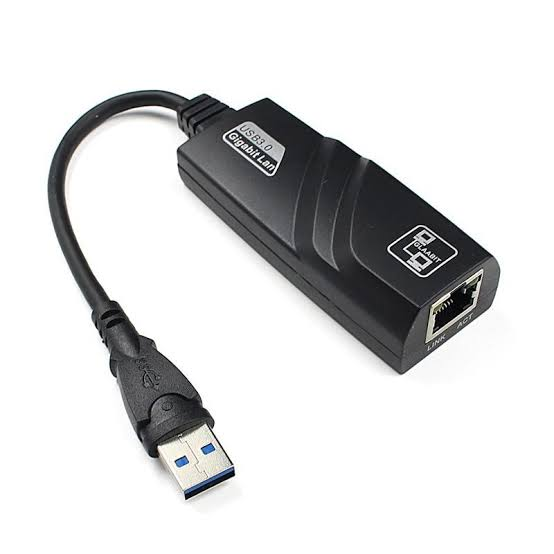
- Air-Gapped Dual-NIC Isolation: Sensitive legacy Windows 7 X-Ray computers are shielded from sensor-disrupting internet access, using USB-to-LAN adapters to bridge hospital software without touching proprietary imaging detector networks.
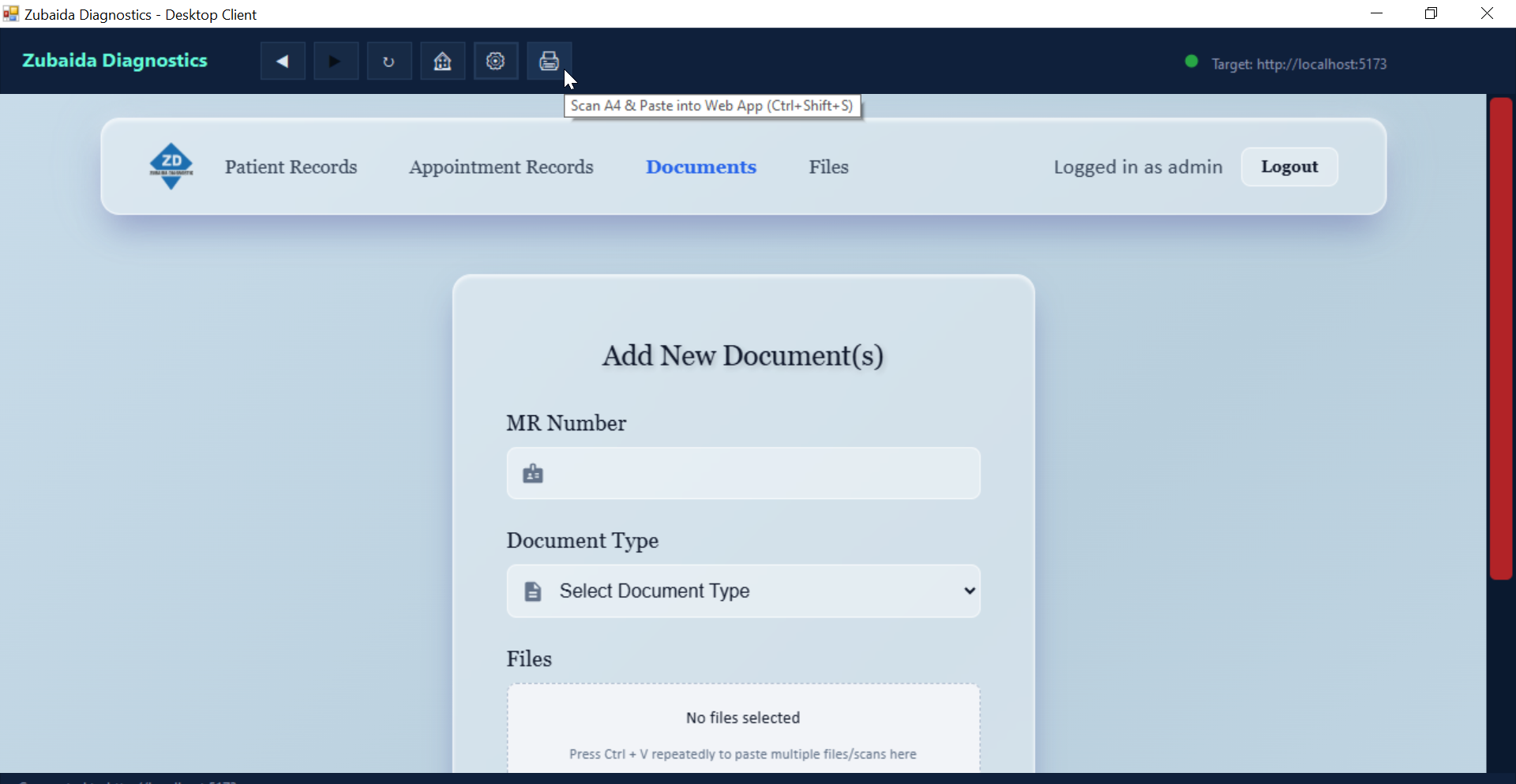
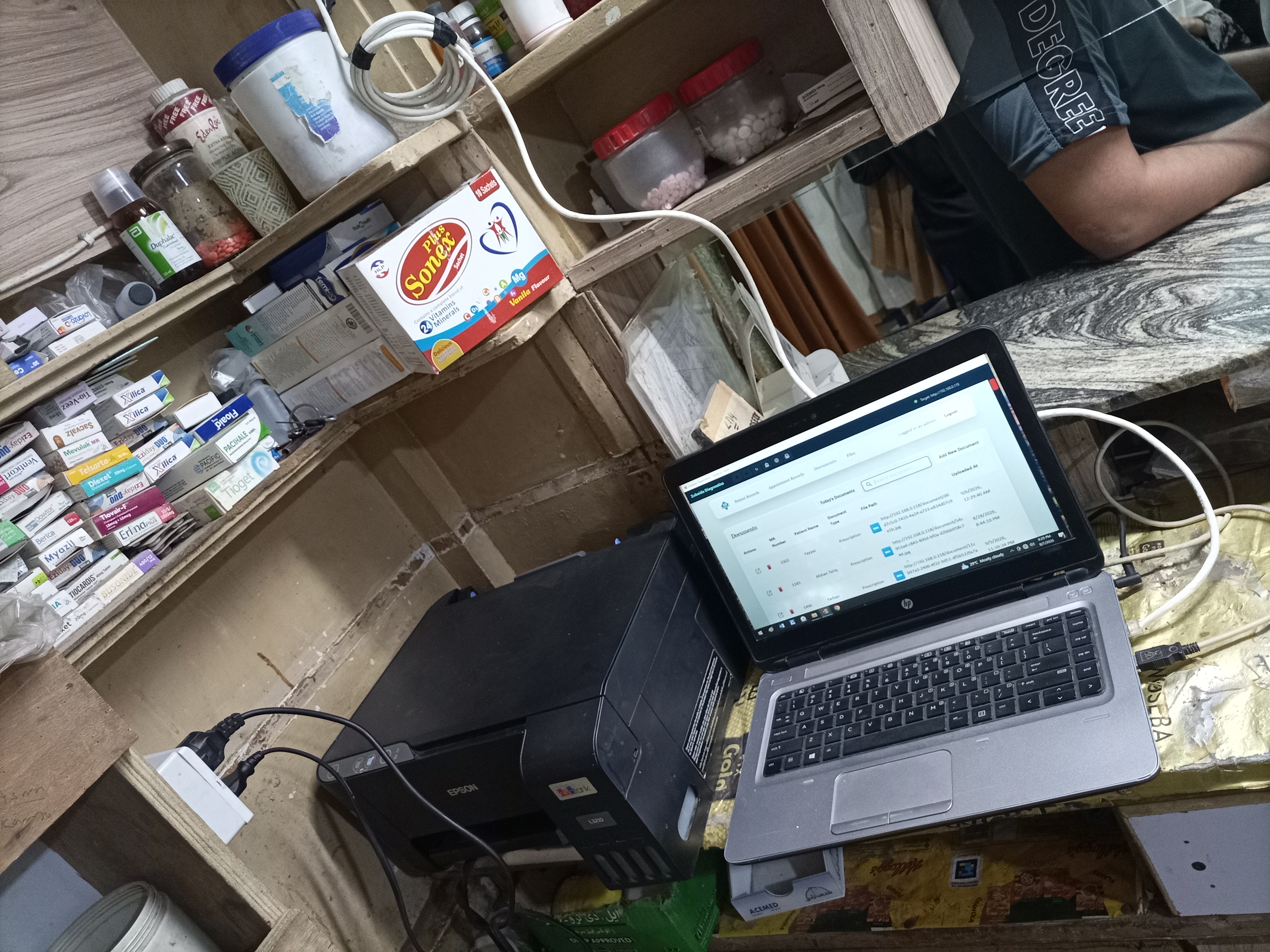
- Hardware WIA COM Scanner Client: Custom C# WinForms desktop shell accesses physical Epson L3210 scanners on a dedicated STA thread, pasting scanned prescriptions directly into the web vault without file dialogs.
- Always-On Lubuntu Server: Deployed on low-spec hardware running Lubuntu (LXQt minimal footprint), booted 24/7 so doctors and receptionists encounter zero system delay upon clinic opening.
- On-Demand Consolidated Dossier Generation: Doctors and administrators generate comprehensive multi-page patient dossiers (combining X-Rays, PFT, Ultrasound, and Prescriptions) rendered client-side with zero server CPU overhead.
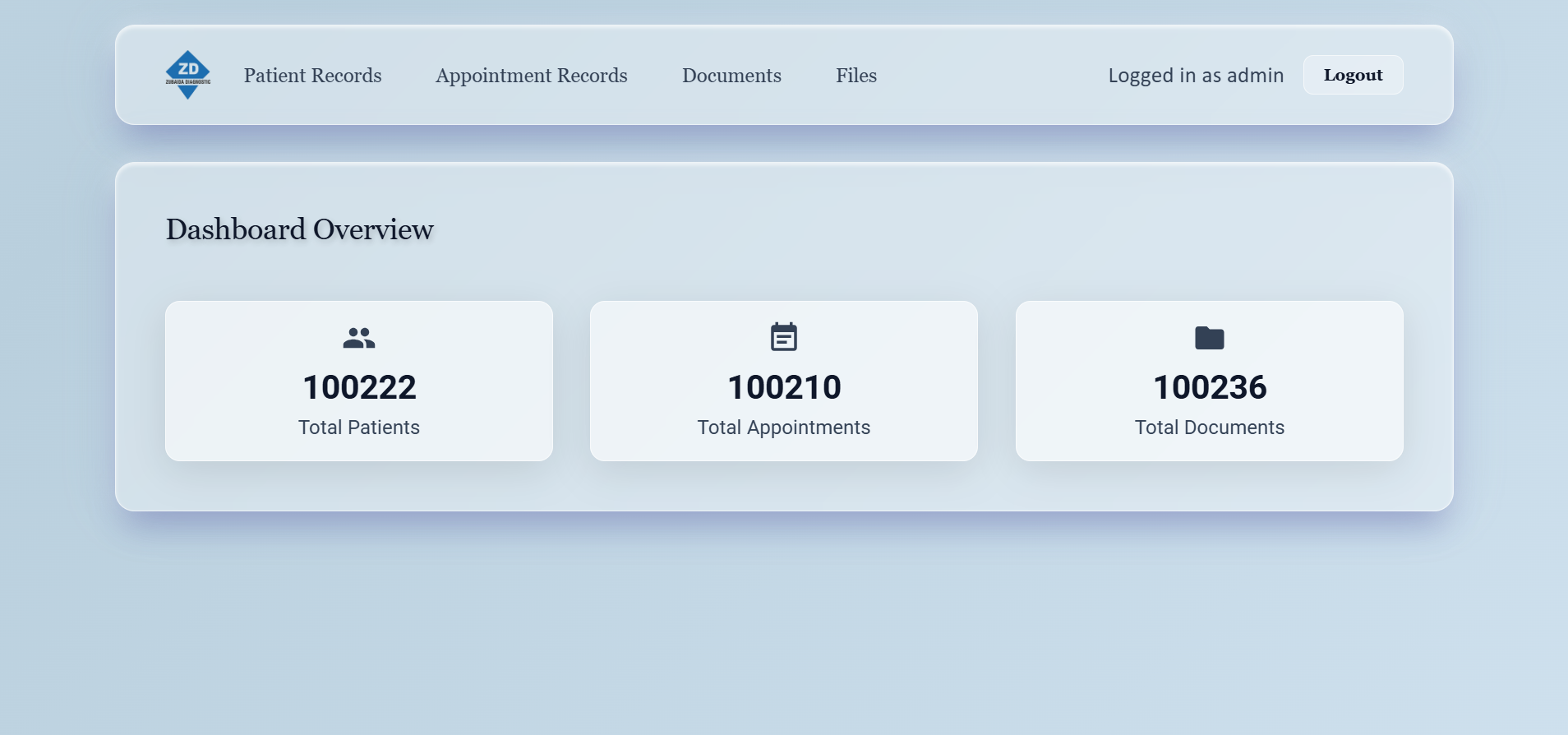
Verified Clinical Impact Metrics
Hardware In Action: Thermal Printing & QR Code Scanner
Watch the actual hardware integration deployed on the clinic reception desk: direct ESC/POS socket printing of appointment slips without operating system print popups, followed by the high-speed 2D QR code scanner re-issuing tokens for returning patients.
Multi-Floor Physical & Network Topology
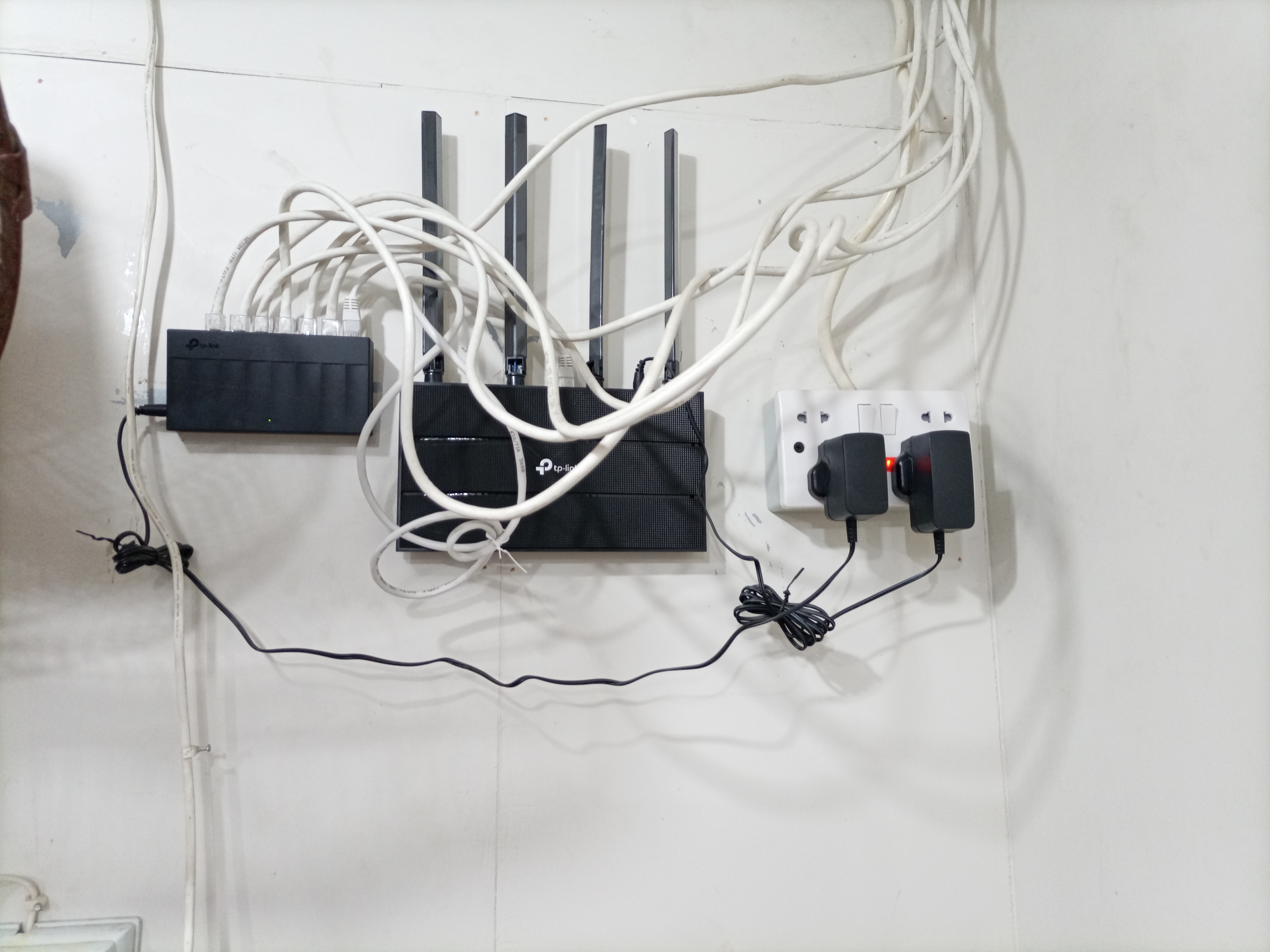
Zubaida Diagnostics spans three physical floors connected via structured CAT6 cabling terminated into an 8-port Gigabit switch on the first floor. Because external internet access is strictly forbidden on radiological machines to safeguard medical sensor calibration, the entire facility operates on an air-gapped private intranet anchored by an internal server at static IP 192.168.0.118.
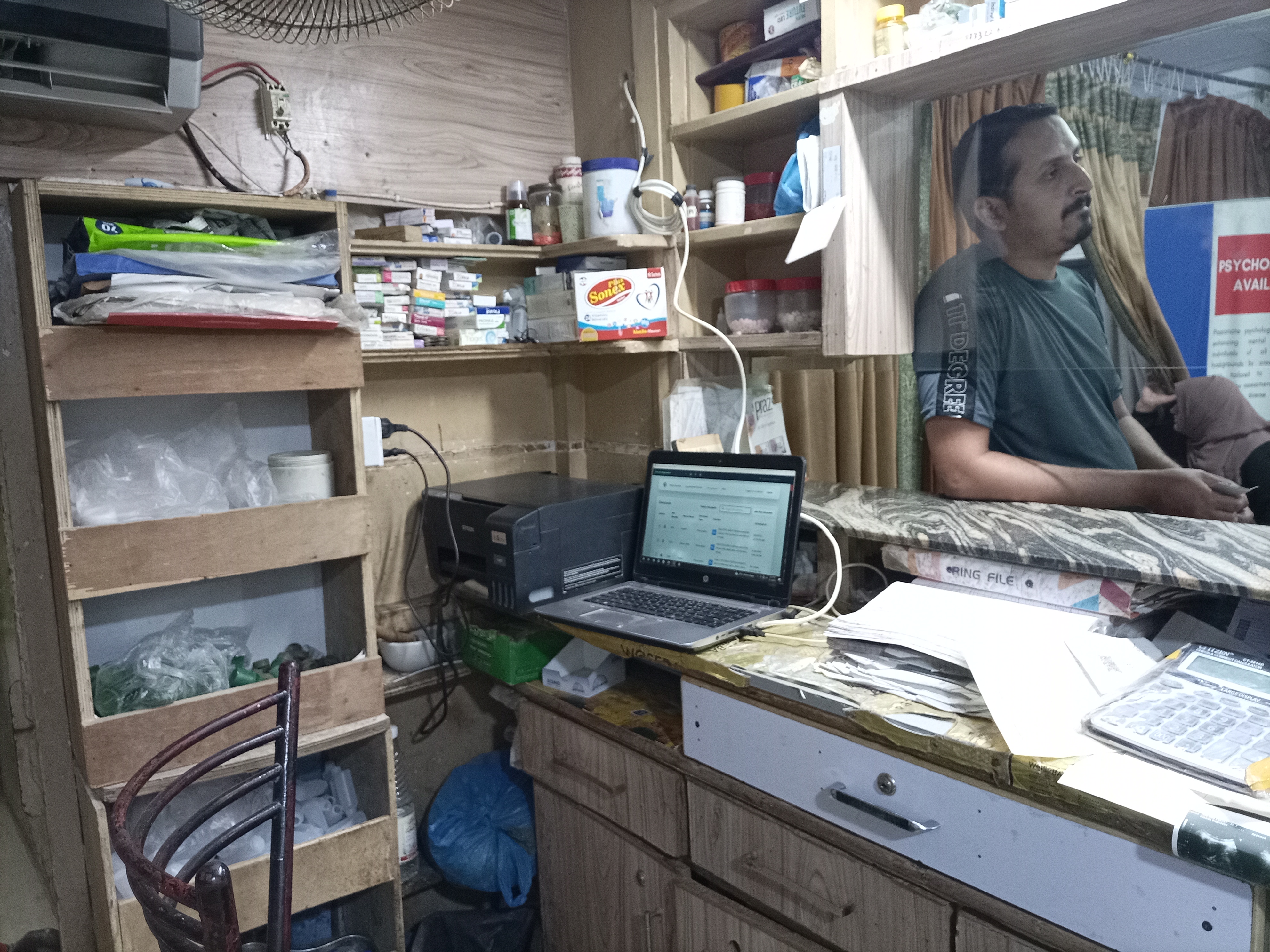
- Reception Desk: Patient Intake PC, 2D Barcode/QR Scanner, USB Thermal Token Printer (ESC/POS driverless).
- Doctor Office: Consulting workstation & Wi-Fi Tablet for reviewing digital patient dossiers and ordering tests.
- Prescription Department: Dedicated Laptop + WinForms WIA Client connected via USB to Epson L3210 scanner.
- Central Network Core: 8-Port Gigabit Switch + Router gateway emitting DHCP & local medical Wi-Fi.
- Ultrasound Department: Sonography workstation uploading live scans and ultrasound imaging batches.
- Main Server Host: Dedicated low-spec mini-PC running Lubuntu (LXQt lightweight desktop) 24/7 on
192.168.0.118.
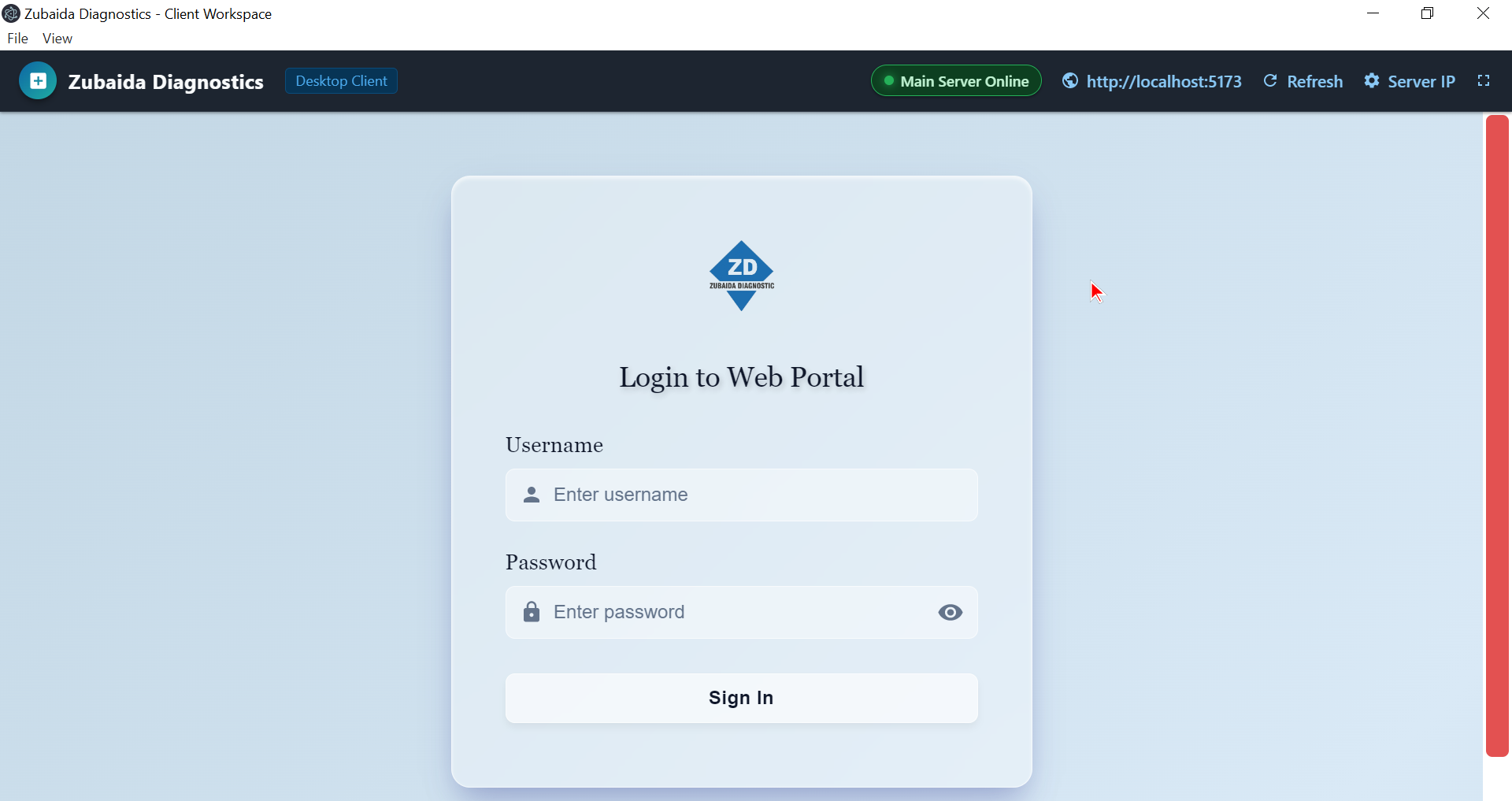
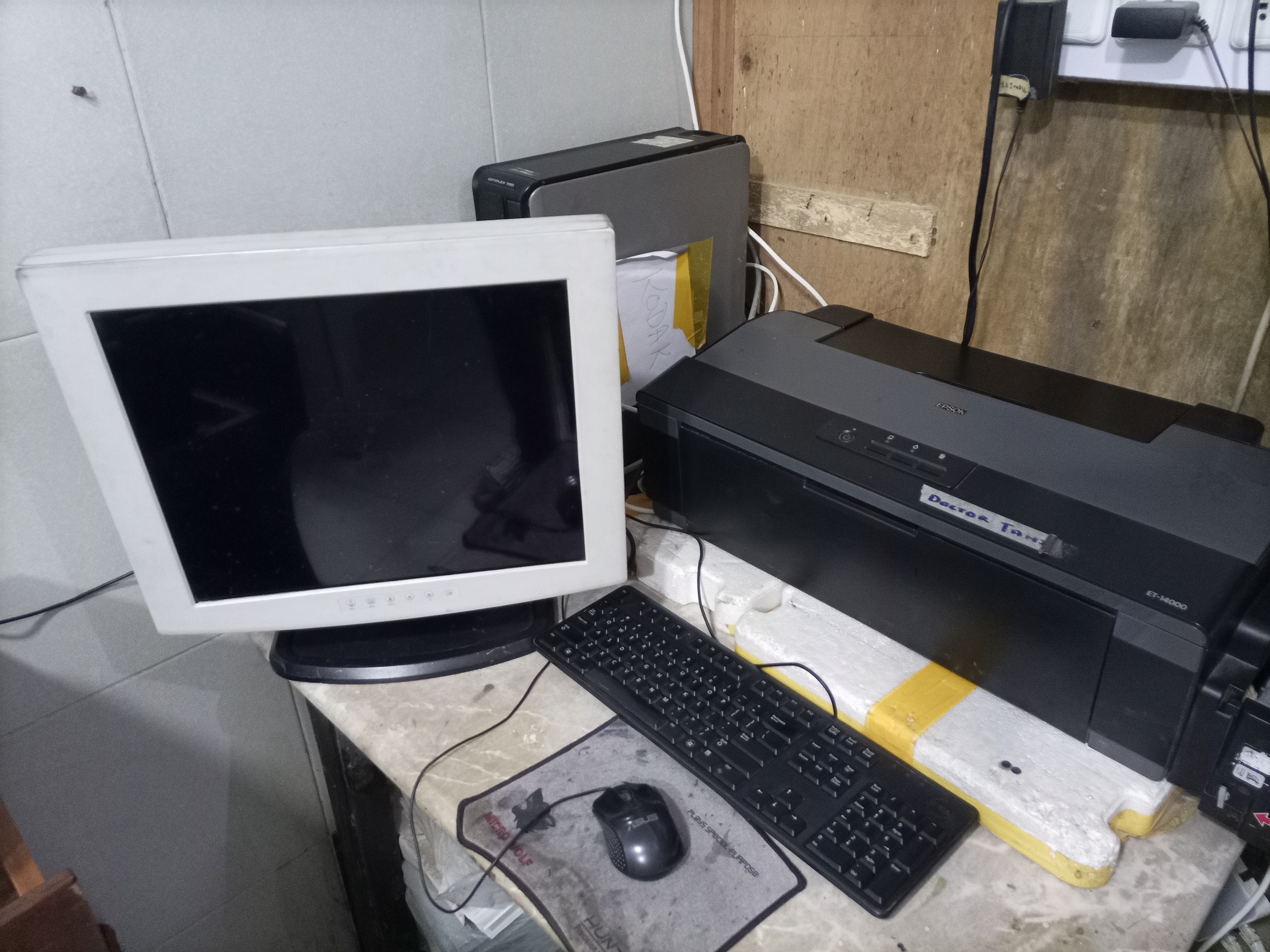
- X-Ray PC 1 (32-Bit Win7): Portable Electron 22 shell + USB-to-LAN Dual NIC isolating detector sensor.
- X-Ray PC 2 (64-Bit Win7): Portable Electron 22 shell + USB-to-LAN Dual NIC isolating detector sensor.
- PFT Department: Pulmonary Function Test PC capturing spirometry graphs & digital reports.
The physical server PC available at the clinic was a resource-constrained desktop. Standard Ubuntu Desktop with GNOME would consume excessive memory and CPU cycles on heavy desktop compositing. To ensure optimal performance, we installed Lubuntu—a lightweight Ubuntu distribution featuring the minimal LXQt desktop environment. This preserved over 70% of system RAM purely for PostgreSQL database caching, Prisma queries, and Node.js image processing. The machine is configured as a 24/7 always-on host: whenever the medical team unlocks the clinic doors in the morning, the Lubuntu server is already booted, running, and listening on port 80, eliminating any morning warm-up latency.

[ Ground Floor: Reception Desk ]                     [ Ground Floor: Prescription Desk ]
  • USB 2D Barcode/QR Scanner (HID Mode)                • Epson L3210 Flatbed Scanner (USB)
  • USB ESC/POS Thermal Token Printer                   • Custom C# WinForms Client (WIA 2.0 COM)
  • React Intake Web App (Chrome Browser)               • Automated STA Background Scan Dispatch
               │                                                      │
               │ CAT6 Ethernet (VLAN 10)                              │ CAT6 Ethernet (VLAN 10)
               ▼                                                      ▼
┌─────────────────────────────────────────────────────────────────────────────────────────────┐
│                       1st FLOOR COMMUNICATIONS CORE & HARDWARE HUB                          │
│   • 8-Port Gigabit Unmanaged Switch                                                         │
│   • Clinic Router Gateway (DHCP Pool: 192.168.0.x / Private Local Wi-Fi Access Point)       │
│   • Always-On Lubuntu Server Host: 192.168.0.118 (Minimal LXQt Footprint, 24/7 Uptime)     │
│       ├── Nginx 1.22 Reverse Proxy (Static React Build at /var/www/zubaida-frontend)        │
│       ├── Node.js 18 Express REST API (Clustered on Port 3000)                              │
│       ├── Prisma ORM + PostgreSQL Database (Transactions, Daily Token Resets, Vault)        │
│       └── Local Document Vault Storage (/document/ endpoint, 100MB streaming upload buffer) │
└─────────────────────────────────────────────────────────────────────────────────────────────┘
               ▲                                                      ▲
               │ CAT6 Ethernet (VLAN 10)                              │ CAT6 Ethernet (VLAN 10)
               │                                                      │
[ 1st Floor: Ultrasound Workstation ]               [ 2nd Floor: PFT Department ]
  • Sonography Scan Image Batches                     • Spirometry & Pulmonary Graph PDFs
  • Role: us123 -> Auto-Selects "Ultrasound"          • Role: pft123 -> Auto-Selects "PFT"
               │
               ▼
[ 2nd Floor: Air-Gapped Radiograph Suite ]
  ┌────────────────────────────────────────────────────────────────────────────────────────┐
  │ X-Ray PC 1 (32-Bit Windows 7) & X-Ray PC 2 (64-Bit Windows 7)                          │
  │   • Physical NIC 1 (Onboard): Static 192.168.1.x <──> Medical Detector Sensor Panel   │
  │   • Physical NIC 2 (USB-to-LAN): DHCP 192.168.0.x <──> Hospital Gigabit Intranet Switch │
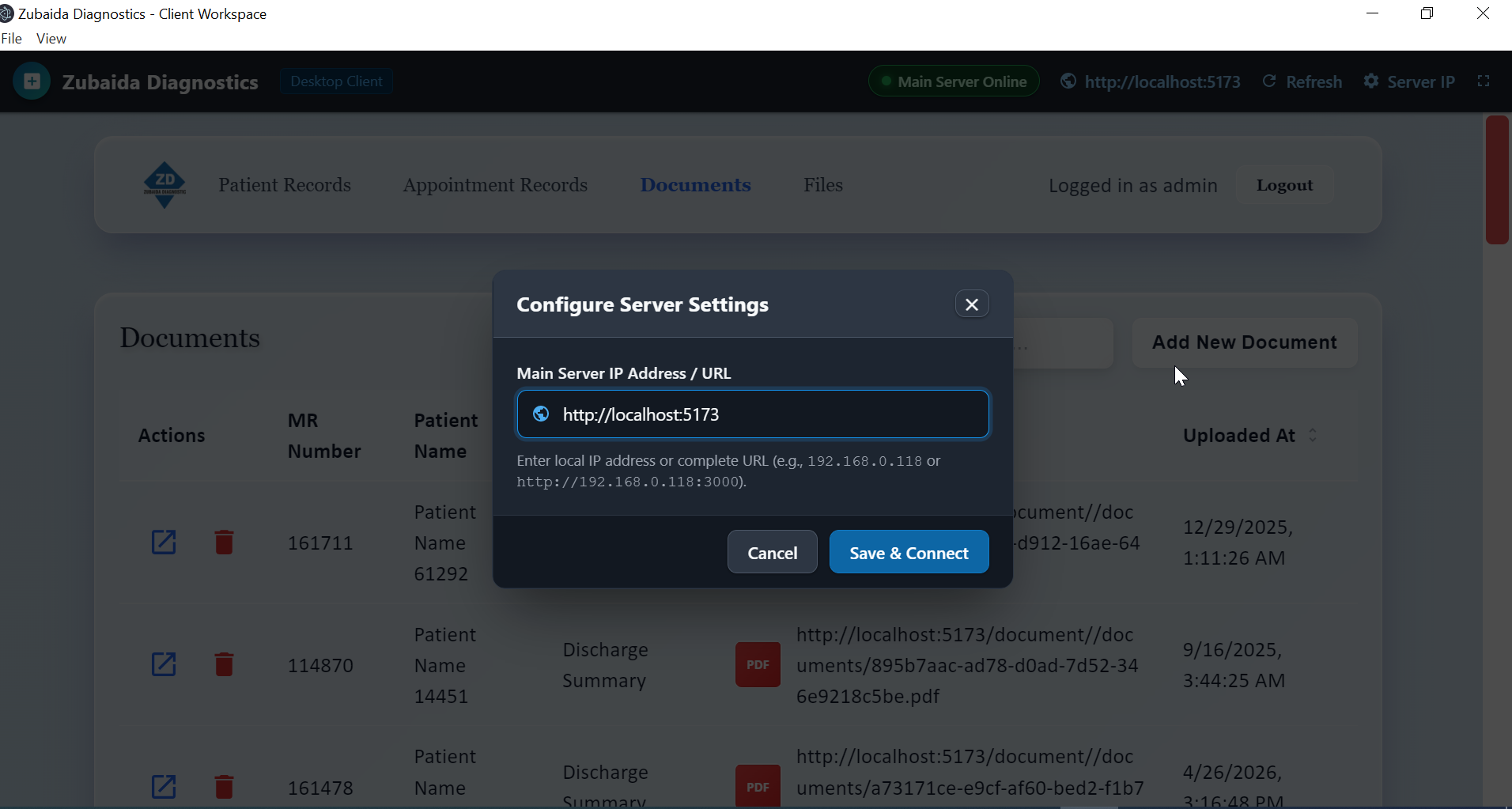
  │   • Software Shell: Electron 22.3.24 Portable (.exe) targeting http://192.168.0.118    │
  │   • Role: xr123 -> Auto-Selects "X-Ray" Document Category                              │
  └────────────────────────────────────────────────────────────────────────────────────────┘
Hardware Challenges & Architectural Solutions
01. Legacy Windows 7 X-Ray PCs & Dual-NIC Network Isolation
The Problem: The hospital's X-Ray machines run legacy Windows 7 (PC 1 is 32-bit; PC 2 is 64-bit) connected directly to high-precision radiological detector panels. These panels communicate over a hardcoded, static IP subnet via the computer's onboard Ethernet port. Connecting the onboard Ethernet directly to the clinic intranet caused severe IP conflicts and broadcast packet intrusion, which immediately destabilized sensor calibration and triggered machine lockouts. Furthermore, manufacturer warranty strictly forbade connecting these machines to the public internet, preventing modern Windows updates or .NET runtime installations.
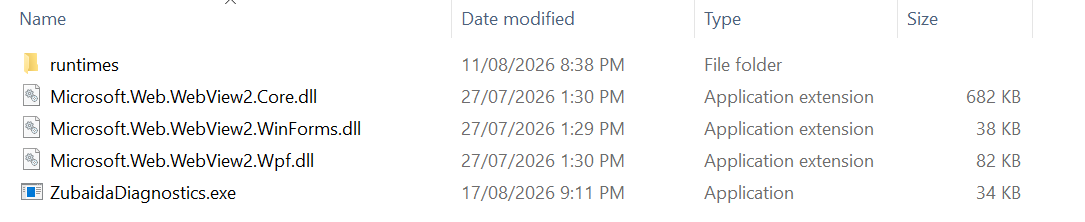
The Dual-NIC Hardware Solution: We physically isolated the networks by installing a dedicated USB-to-LAN Ethernet adapter on each X-Ray computer. The primary onboard network card (NIC 1) remained exclusively dedicated to the medical sensor panel on its isolated subnet. The USB-to-LAN adapter (NIC 2) was routed to the clinic's internal Gigabit switch, receiving an intranet IP from the clinic router. Because NIC 2 operates on an independent hardware bus, the medical sensor panel is completely unaware of the clinic intranet, eliminating collision risks entirely.

{
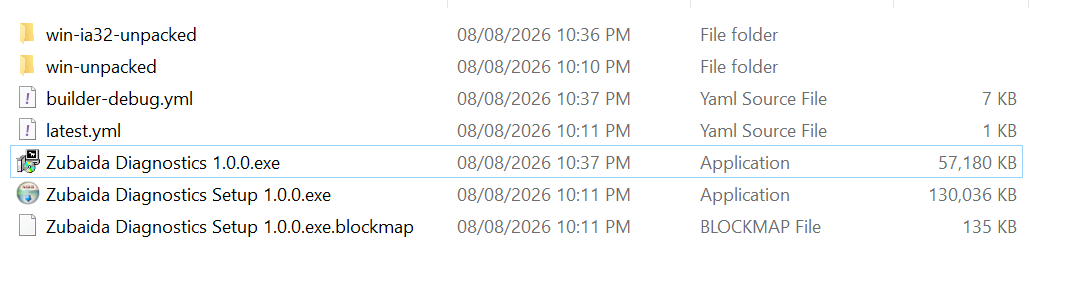
  "name": "zubaida-diagnostics-electron-app",
  "version": "1.0.0",
  "description": "Zero-Install Windows 7 Desktop Client for Air-Gapped X-Ray PCs",
  "main": "main.js",
  "scripts": {
    "start": "electron .",
    "build:portable": "electron-builder --win portable",
    "build:portable32": "electron-builder --win portable --ia32"
  },
  "devDependencies": {
    /* Last official Chromium/Node build supporting Windows 7 */
    "electron": "22.3.24",
    "electron-builder": "^24.9.1"
  }
}
02. Hardware WIA COM Scanner Integration via WinForms Client
The Problem: When physicians hand-write clinical prescriptions, the prescription department needs to digitize the paper slip immediately. In modern web browsers (Chrome or Edge), security sandboxing strictly blocks direct access to local scanner hardware drivers (TWAIN/WIA). Operators previously had to minimize their browser, open an external scanner utility, save the scan to a folder, return to the browser, click "Browse", search for the file, and upload it. For non-technical staff handling dozens of patients an hour, this cumbersome process led to mislabeled files, misplaced records, and severe delays.
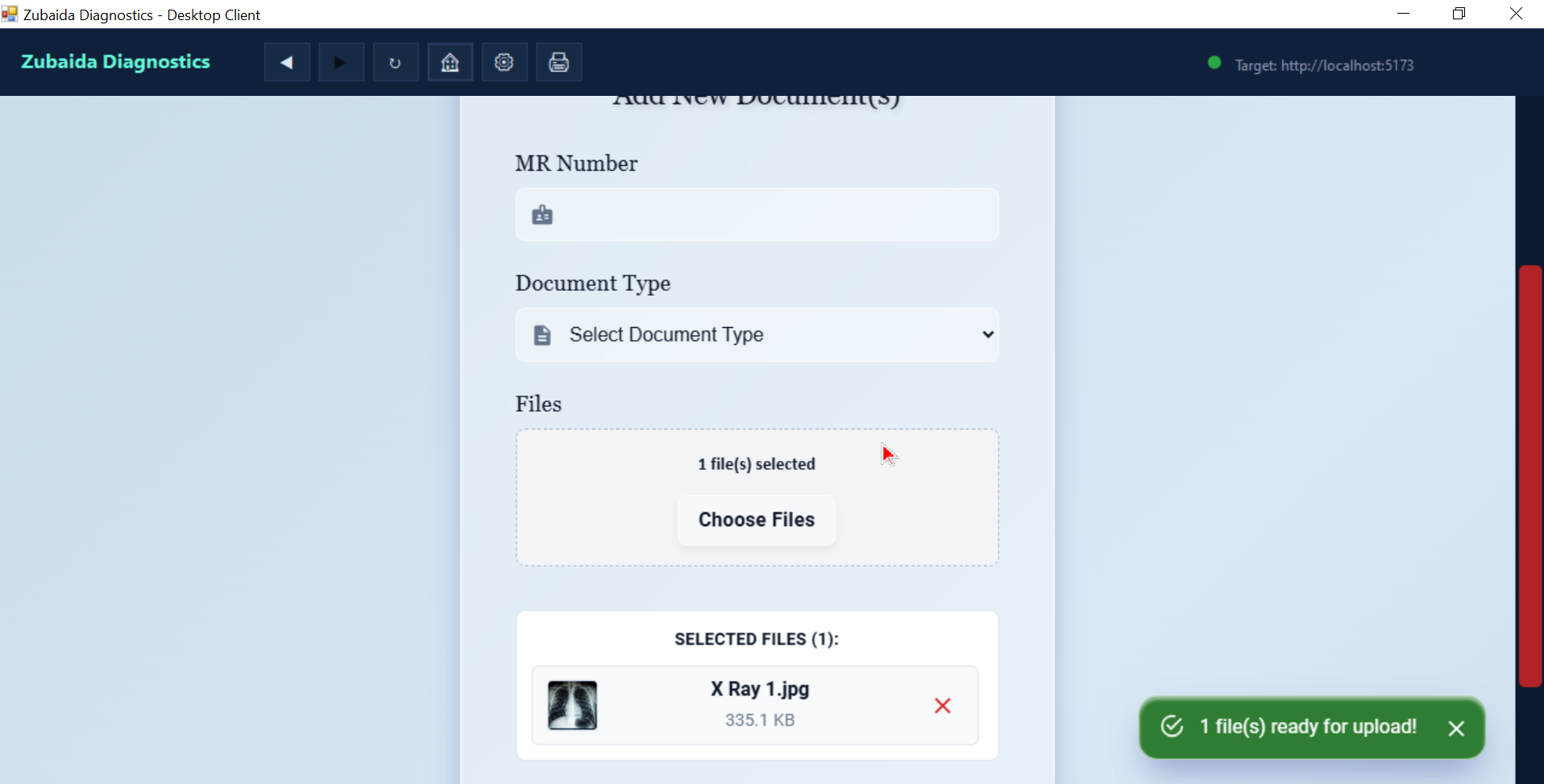
The Engineering Fix: We engineered a lightweight C# Windows Forms application that serves as an embedded browser shell. WinForms has unrestricted access to native Windows COM APIs. We implemented ScannerService.cs, utilizing Windows Image Acquisition (WIA 2.0 COM API). On a dedicated Single-Threaded Apartment (STA) thread, it communicates with the attached Epson L3210 scanner, captures an A4 scan at 150 DPI (optimal for clear handwriting without ballooning file sizes), copies the resulting bitmap directly into the Windows Clipboard, and triggers a simulated paste event into the embedded browser.




public static Task<Image> ScanA4DocumentAsync(int dpi = 150)
{
    var tcs = new TaskCompletionSource<Image>();

    // Dedicated STA thread required to pump unmanaged WIA COM dialog messages cleanly
    Thread staThread = new Thread(delegate()
    {
        try
        {
            Type devMgrType = Type.GetTypeFromProgID("WIA.DeviceManager");
            dynamic devMgr = Activator.CreateInstance(devMgrType);
            dynamic scanner = devMgr.DeviceInfos[1].Connect();
            dynamic item = scanner.Items[1];

            // Configure 150 DPI resolution and A4 dimensions
            item.Properties["6147"].Value = dpi; // Horizontal DPI
            item.Properties["6148"].Value = dpi; // Vertical DPI

            dynamic imageFile = item.Transfer("{B96B3CAB-0728-11D3-9D7B-0000F81EF32E}");
            byte[] imageBytes = (byte[])imageFile.FileData.BinaryData;

            using (var ms = new MemoryStream(imageBytes))
            {
                Image scanBitmap = Image.FromStream(ms);
                Clipboard.SetImage(scanBitmap); // Stream directly to Windows Clipboard
                tcs.SetResult(scanBitmap);
            }
        }
        catch (Exception ex) { tcs.SetException(ex); }
    });

    staThread.SetApartmentState(ApartmentState.STA);
    staThread.Start();
    return tcs.Task;
}
On the frontend, AddDocument.jsx registers a global paste event listener. When WinForms triggers paste, the React component extracts the raw bitmap from the clipboard data items, executes client-side canvas compression (`compressImageFile`) to downsample 30MB bitmaps to ~450KB JPEGs while retaining sharp medical stamps, and auto-queues the file for upload with an instant visual thumbnail preview.
03. Direct ESC/POS Thermal Printing, QR Re-Scan & Anti-Tamper Audit Lock
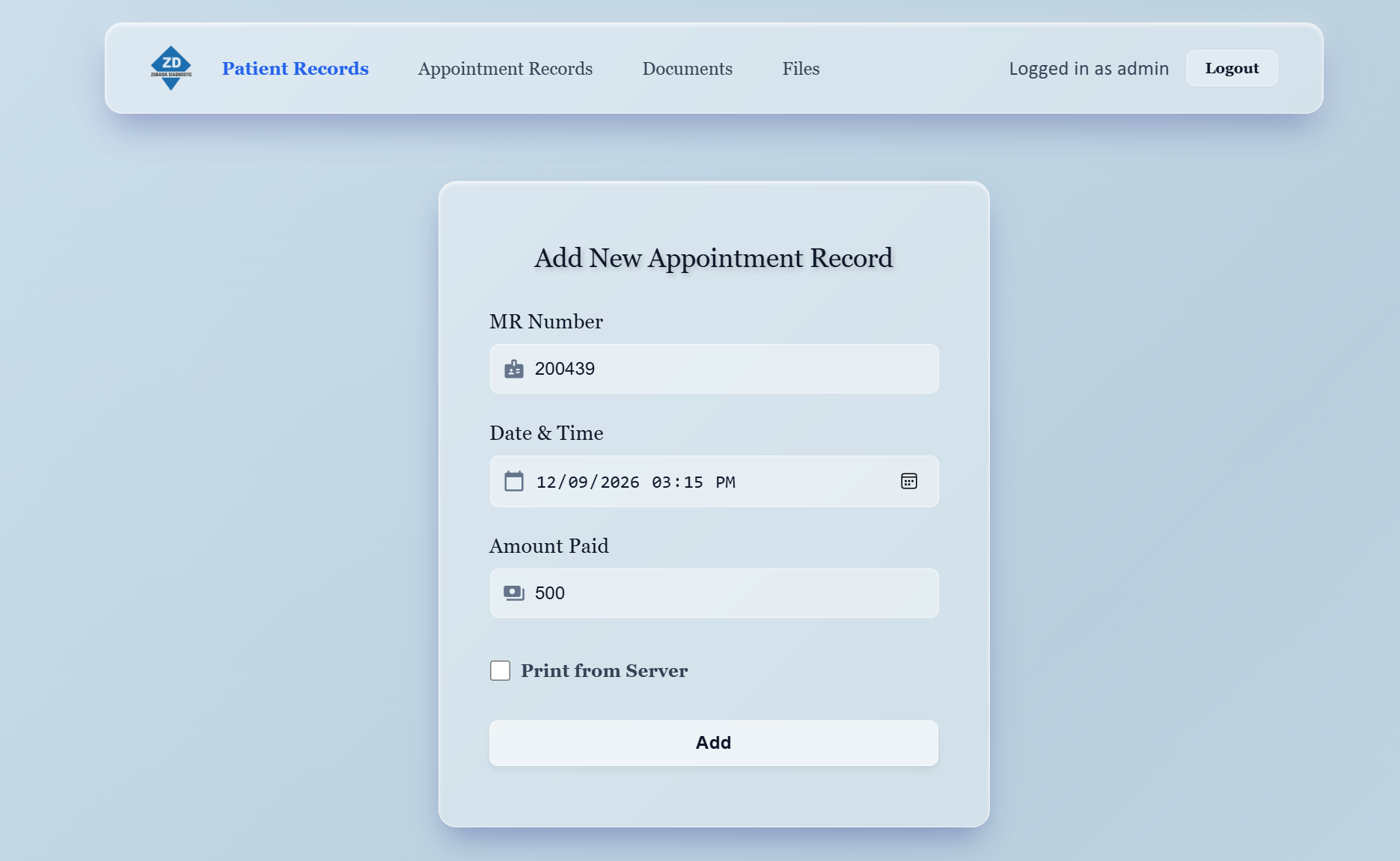
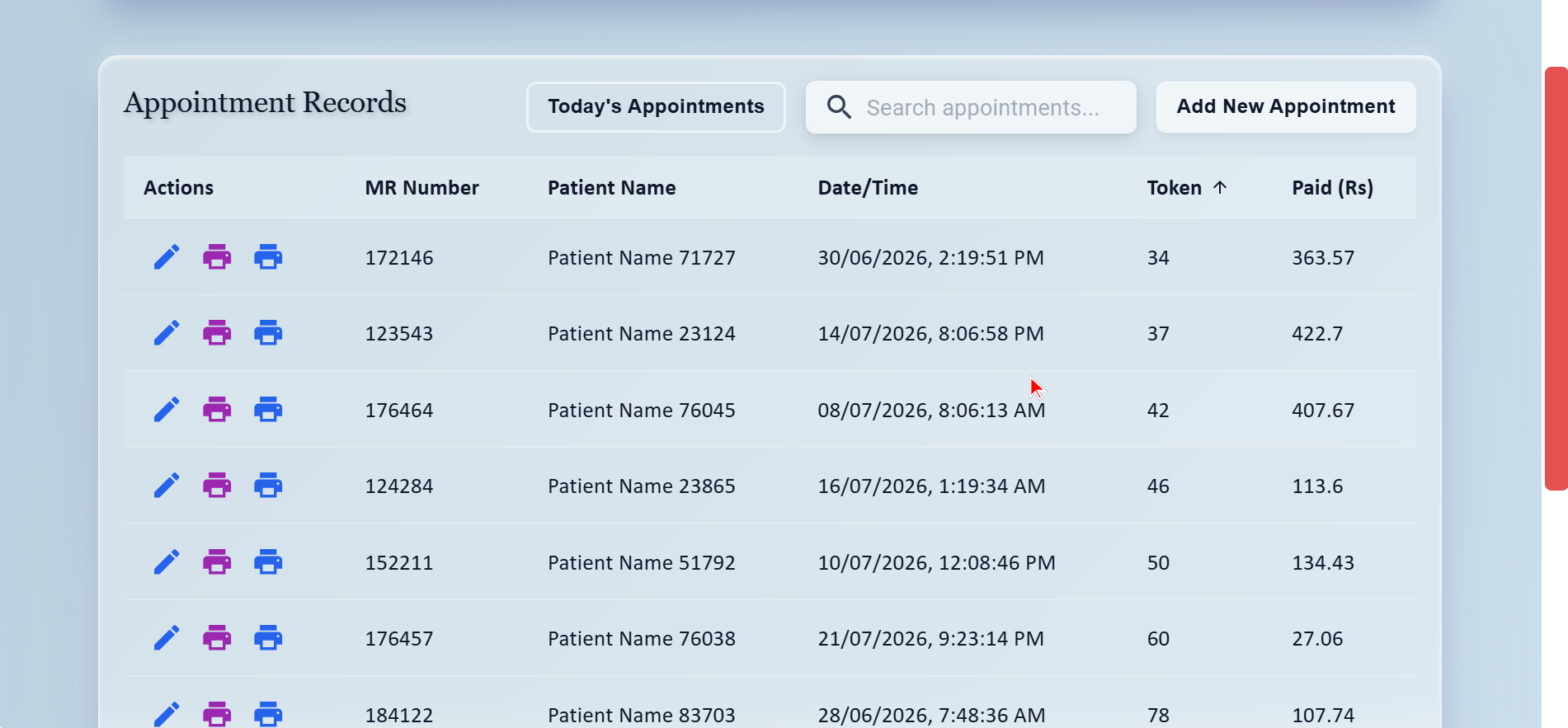
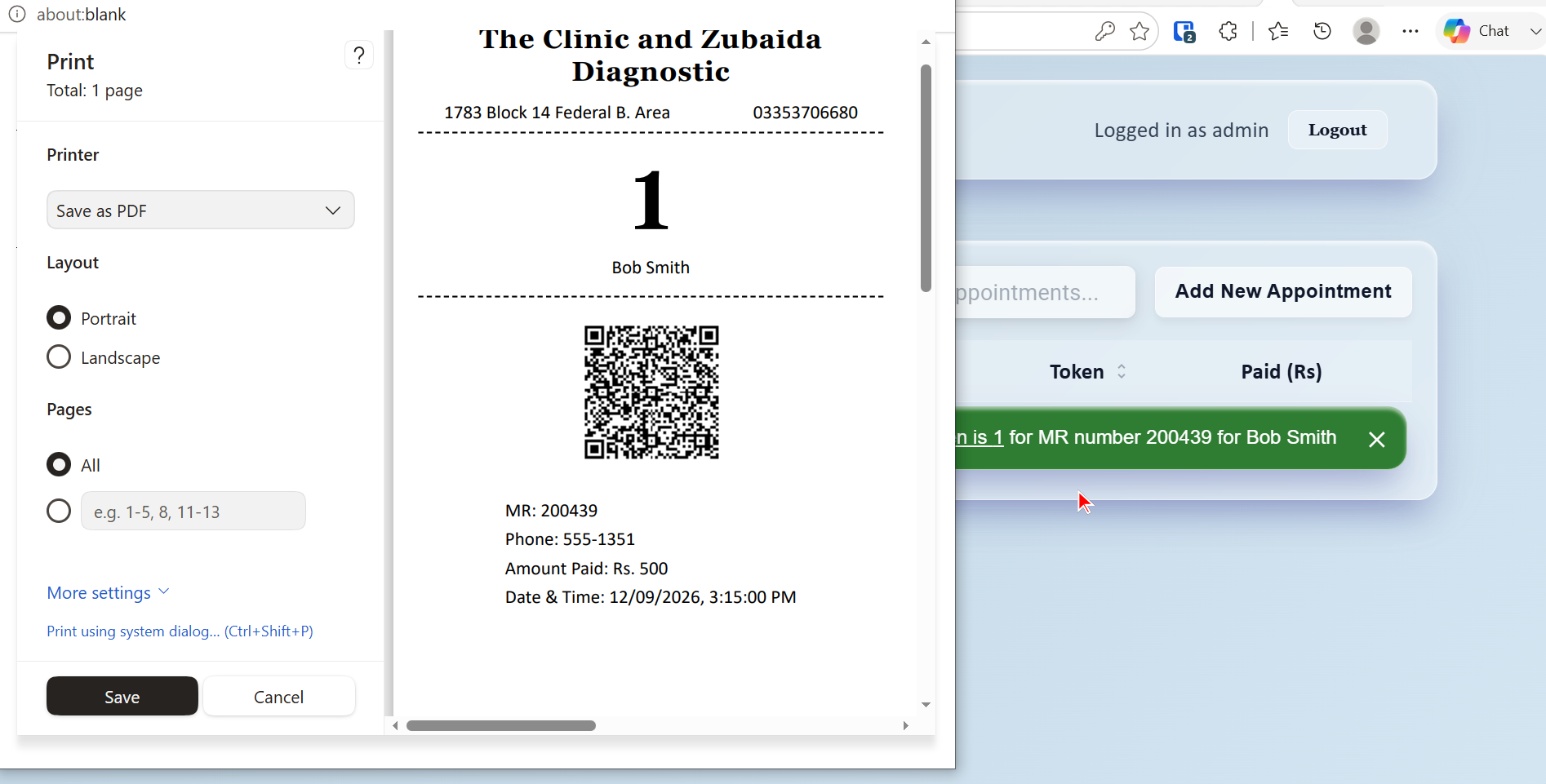
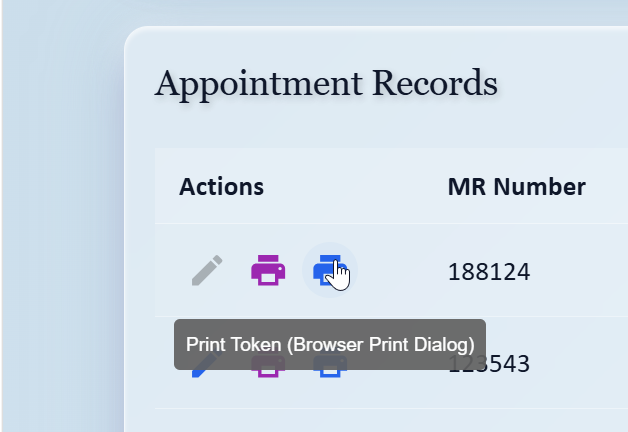
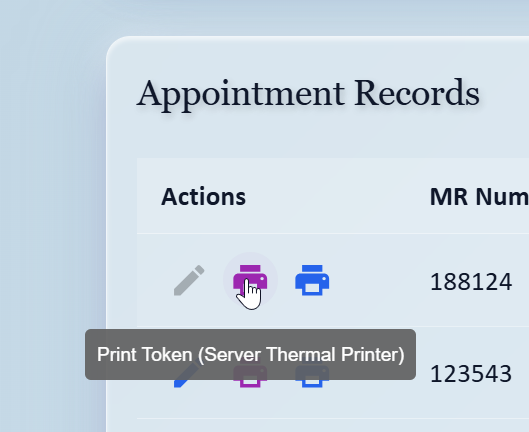
Driverless Hardware Thermal Printing: Conventional web printing calls `window.print()`, presenting an operating system print preview dialogue that requires 3 manual clicks per patient. In a busy clinic, this creates long queues. Our Node.js backend implements native socket communication directly with thermal printers (EscPosPrinterWin on Windows, and /dev/usb/lp0 on Linux). When an appointment is confirmed, the server transmits raw ESC/POS byte streams over USB, instructing the printer to print the clinic header, patient MR Number, queue token, and cut the paper in under 300ms.
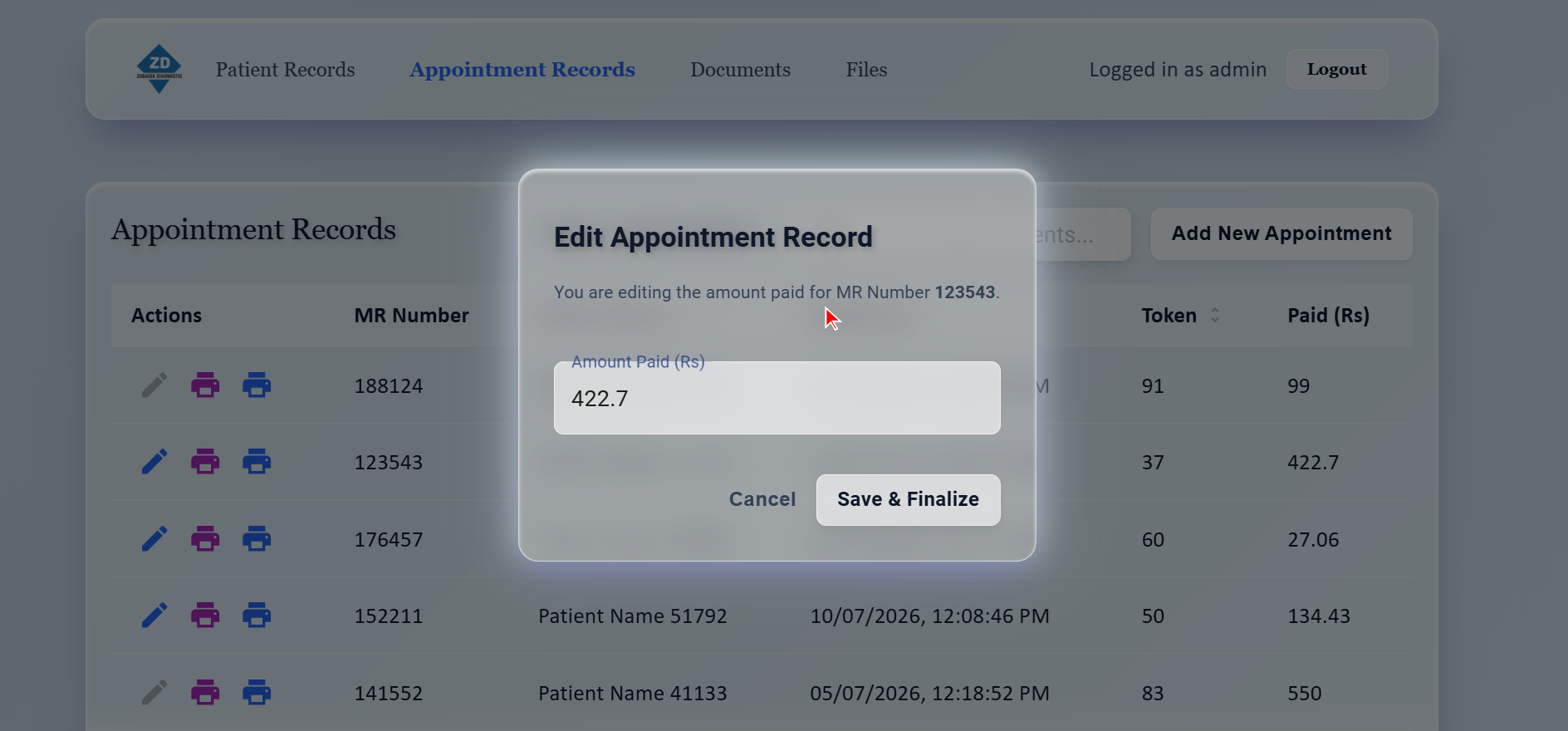
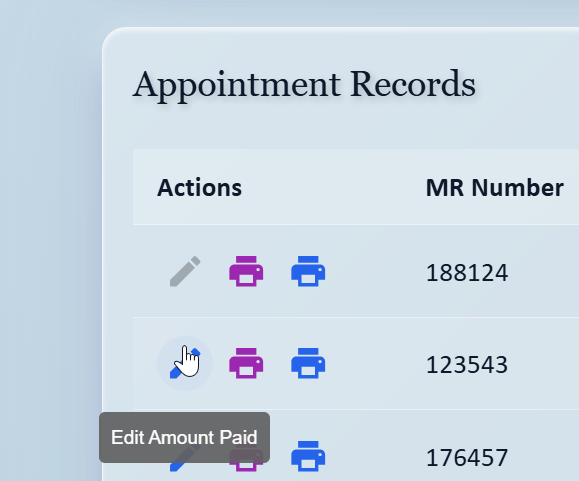
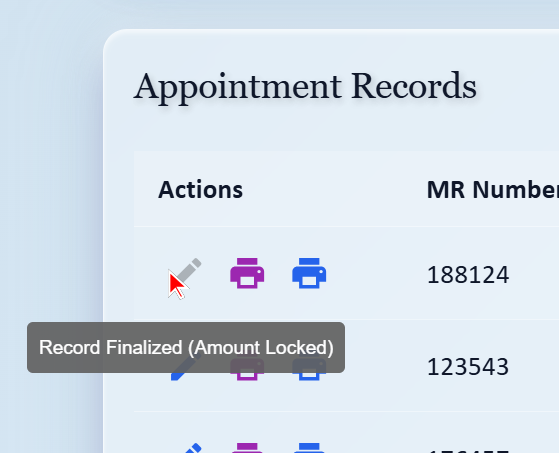
Anti-Tamper Revenue Lock: To prevent financial tampering at the front desk, appointments enforce a strict one-time fee finalization rule. In routes/appointments.js, once an appointment's fee is entered and marked finalized, any subsequent modification attempt is immediately blocked with an HTTP 400 error. The record is permanently locked against alterations.
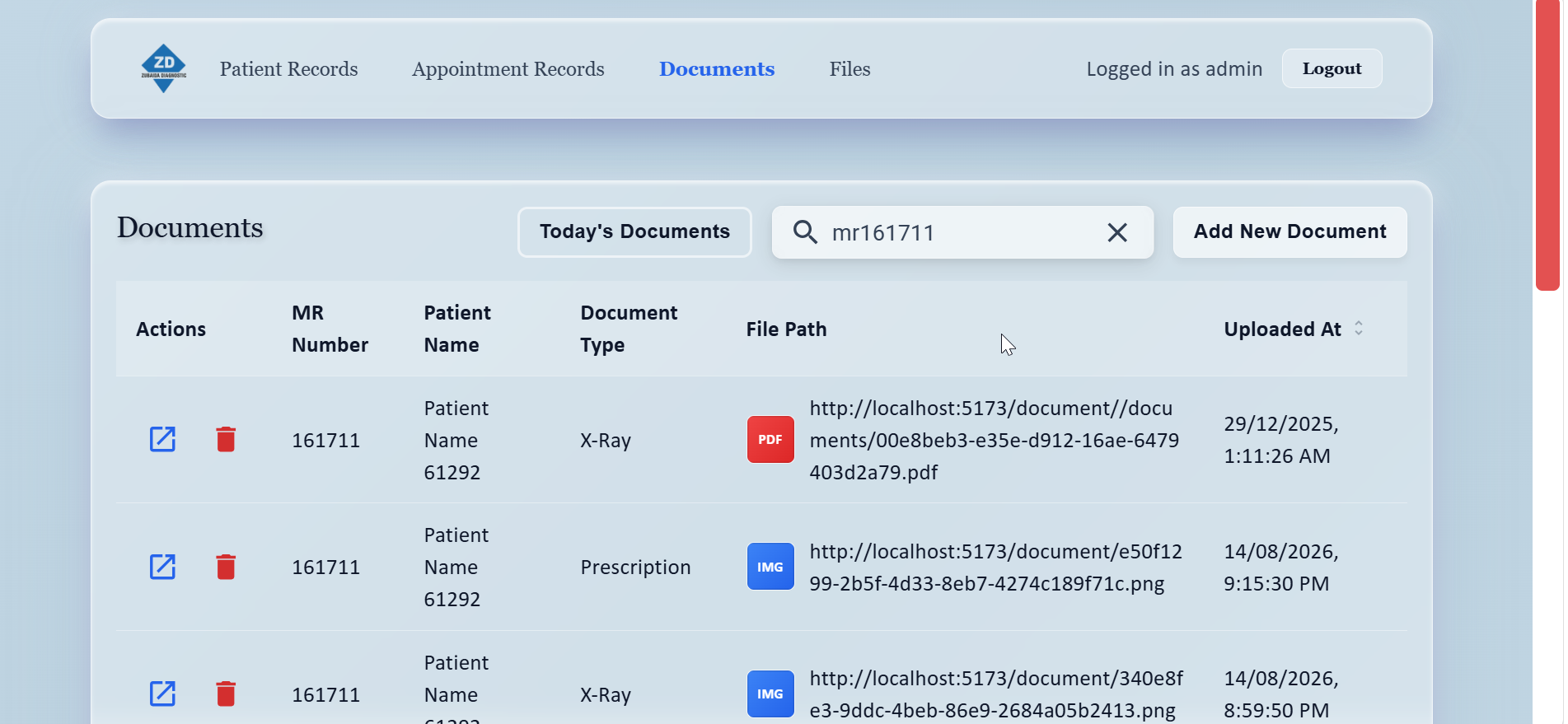
// 1. Atomic Daily Token Reset & Appointment Creation in PostgreSQL
const appointment = await prisma.$transaction(async (tx) => {
  let tokenRecord = await tx.dailyToken.upsert({
    where: { date: dateStr },
    update: { lastToken: { increment: 1 } },
    create: { date: dateStr, lastToken: 1 }
  });

  if (tokenRecord.lastToken > 999) {
    tokenRecord = await tx.dailyToken.update({
      where: { date: dateStr },
      data: { lastToken: 1 }
    });
  }

  return tx.appointment.create({
    data: { patientId, tokenNumber: tokenRecord.lastToken, amountPaid, reason }
  });
});

// 2. QR Scanner Input Regex Extractor (searchHelper.js)
function extractMrNumberSearch(search) {
  if (!search || typeof search !== 'string') return null;
  const match = search.trim().match(/^mr\s*(?:number)?\s*(\d+)$/i);
  return match ? parseInt(match[1], 10) : null;
}
04. Master Patient Directory & Intake Ergonomics
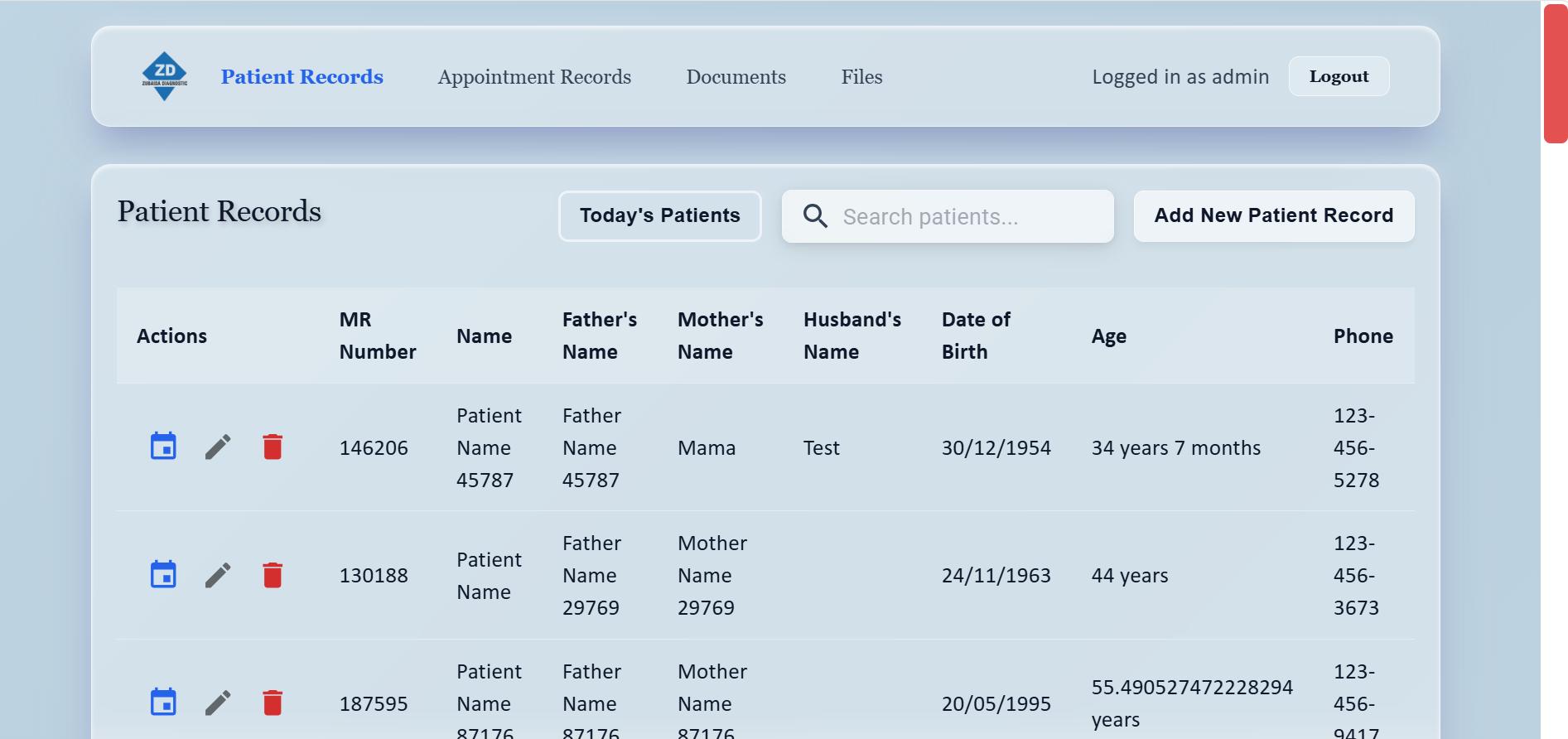
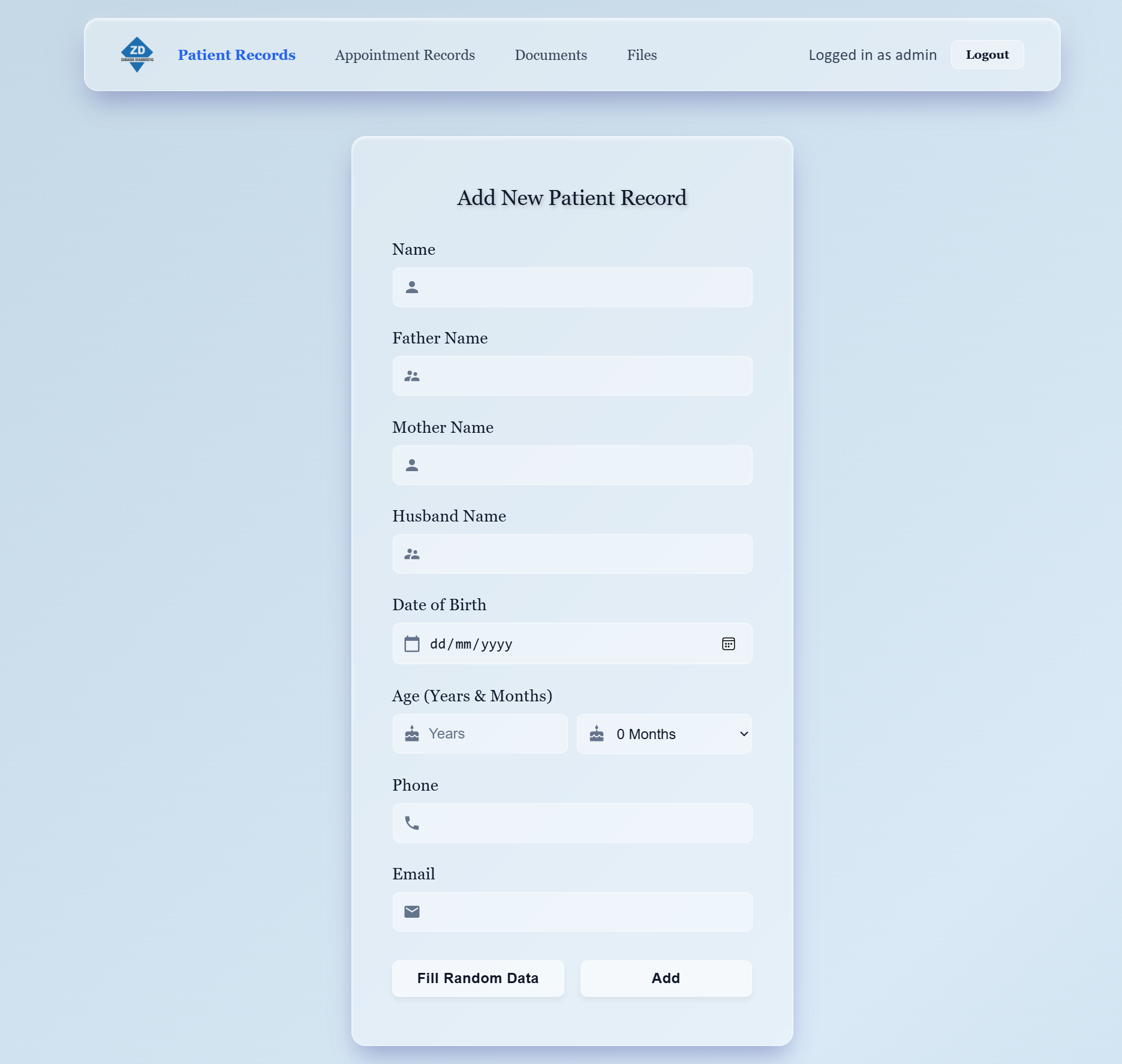
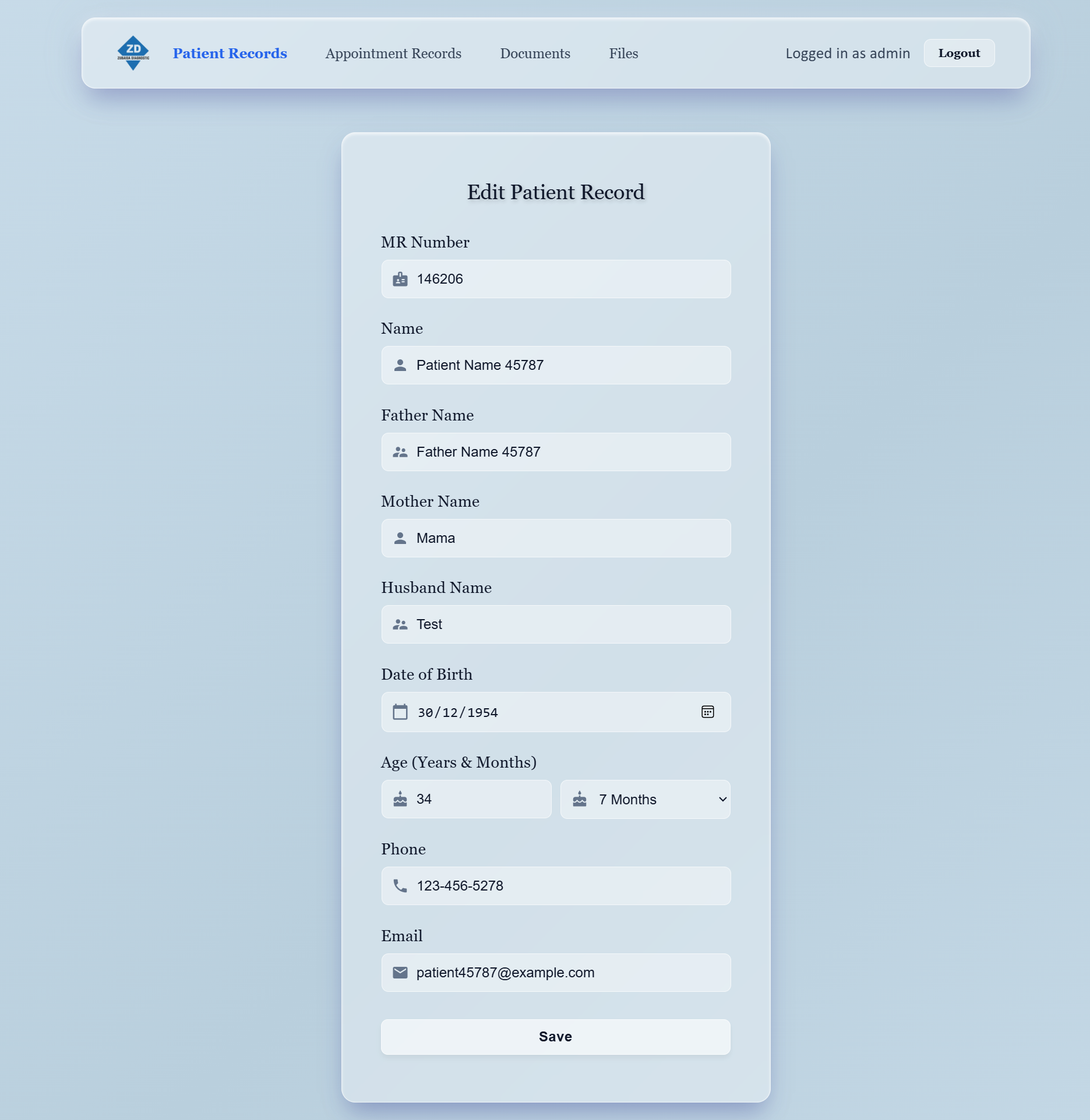
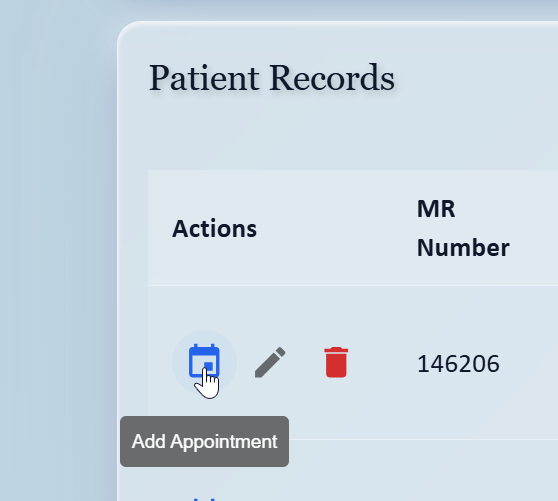
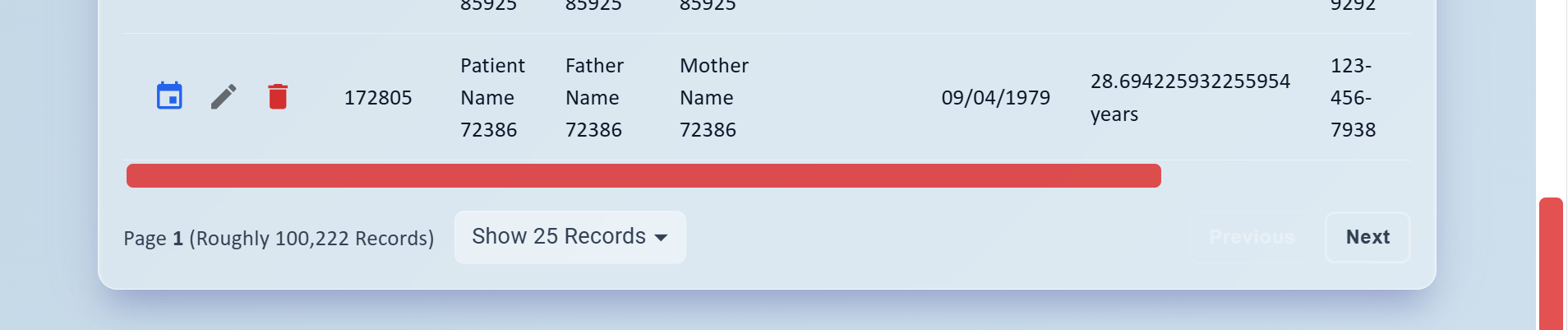
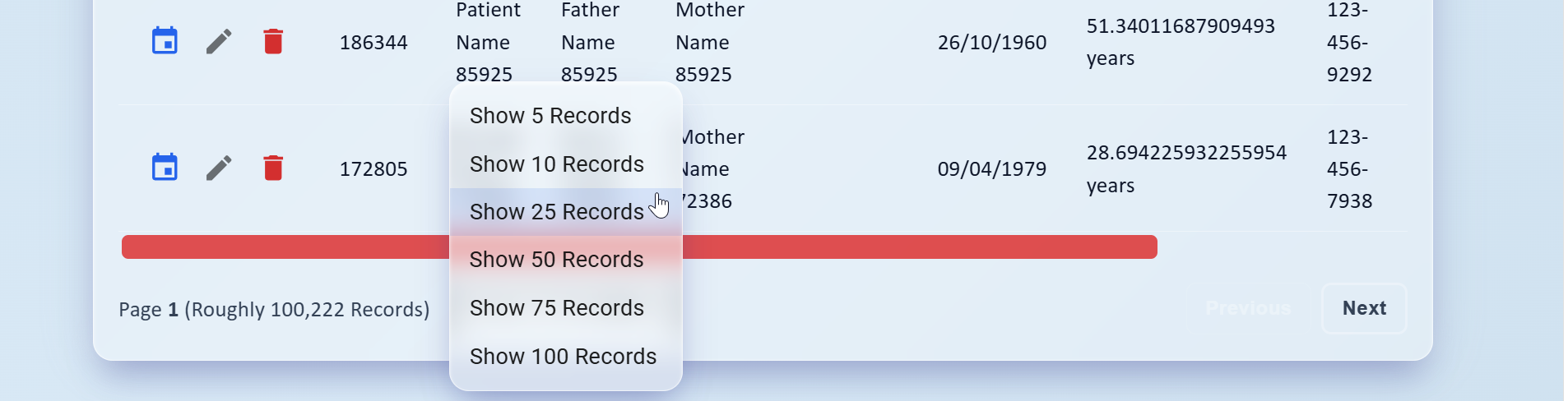
The patient registration interface is optimized for maximum typing speed. When a patient arrives, the receptionist enters their Full Name, Father's Name, Age, and Contact Phone. If Date of Birth is provided, the age field is automatically computed via client-side date arithmetic. The form incorporates strict keyboard shortcuts: pressing Enter submits the patient record, instantly provisions a permanent numeric MR Number in PostgreSQL, and immediately forwards the application state to the "Add Appointment" screen with the new patient already selected. The receptionist only has to hit Enter one more time to generate the visit token, slashing intake time to under 35 seconds.
05. Department Role-Based Routing & Dropdown Auto-Selection
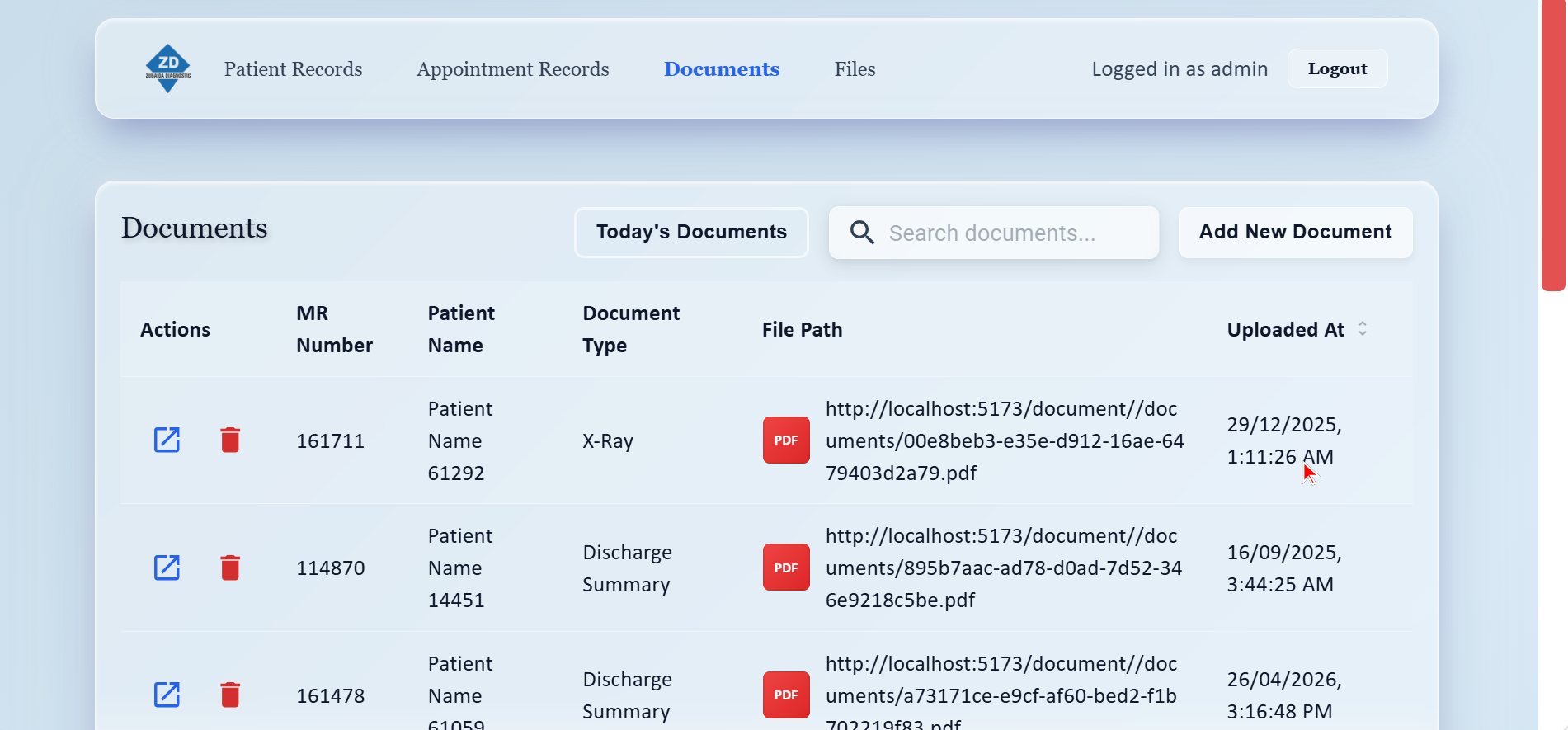
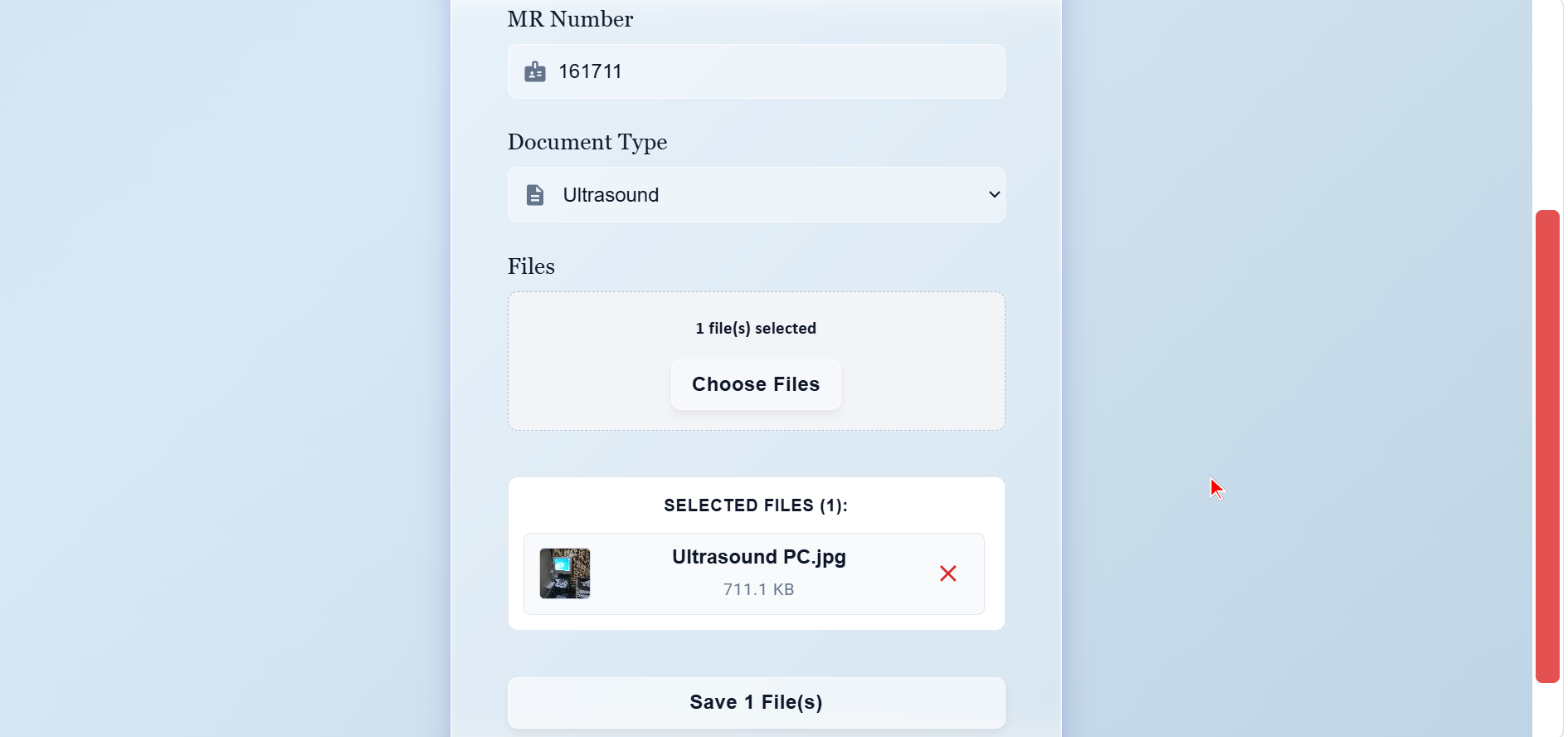
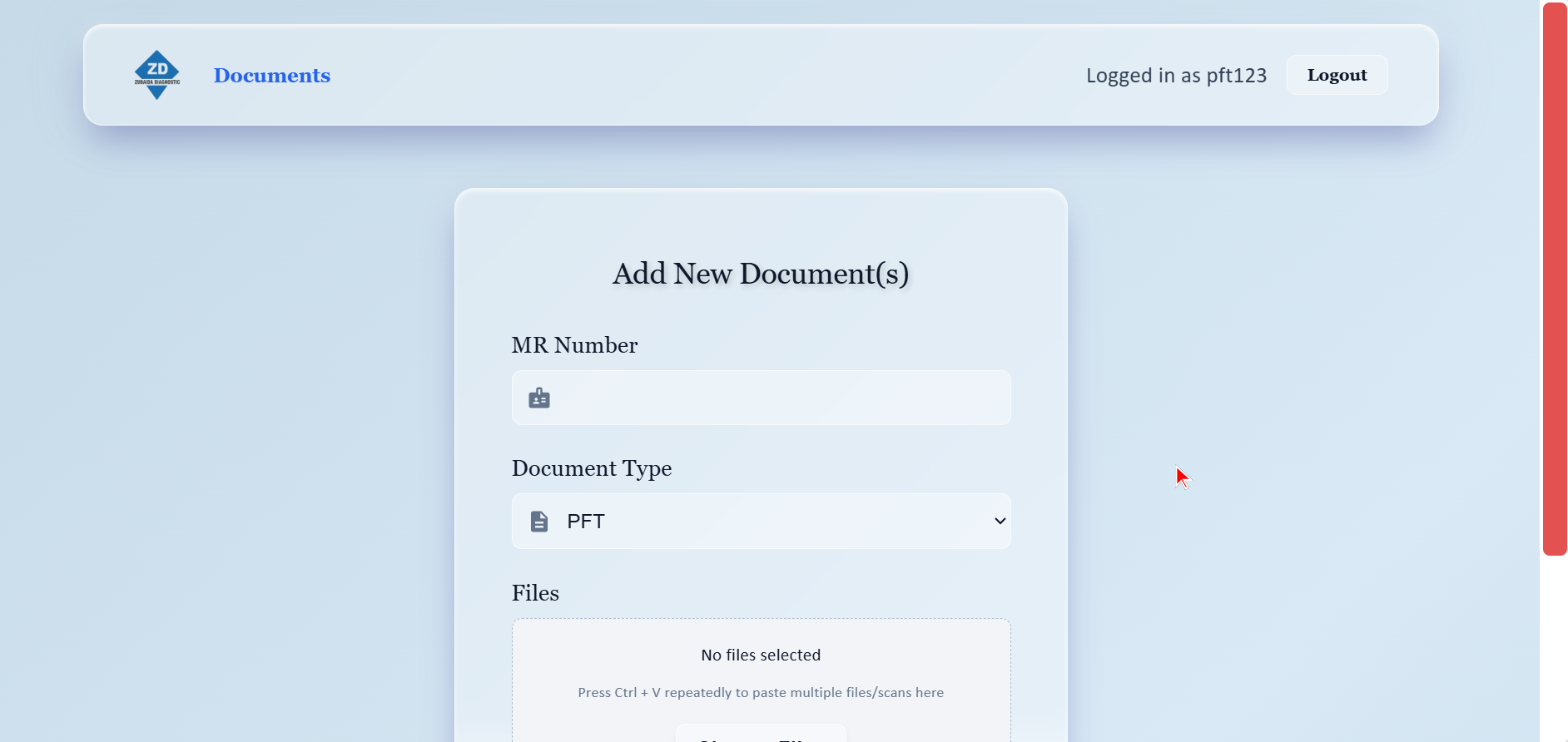
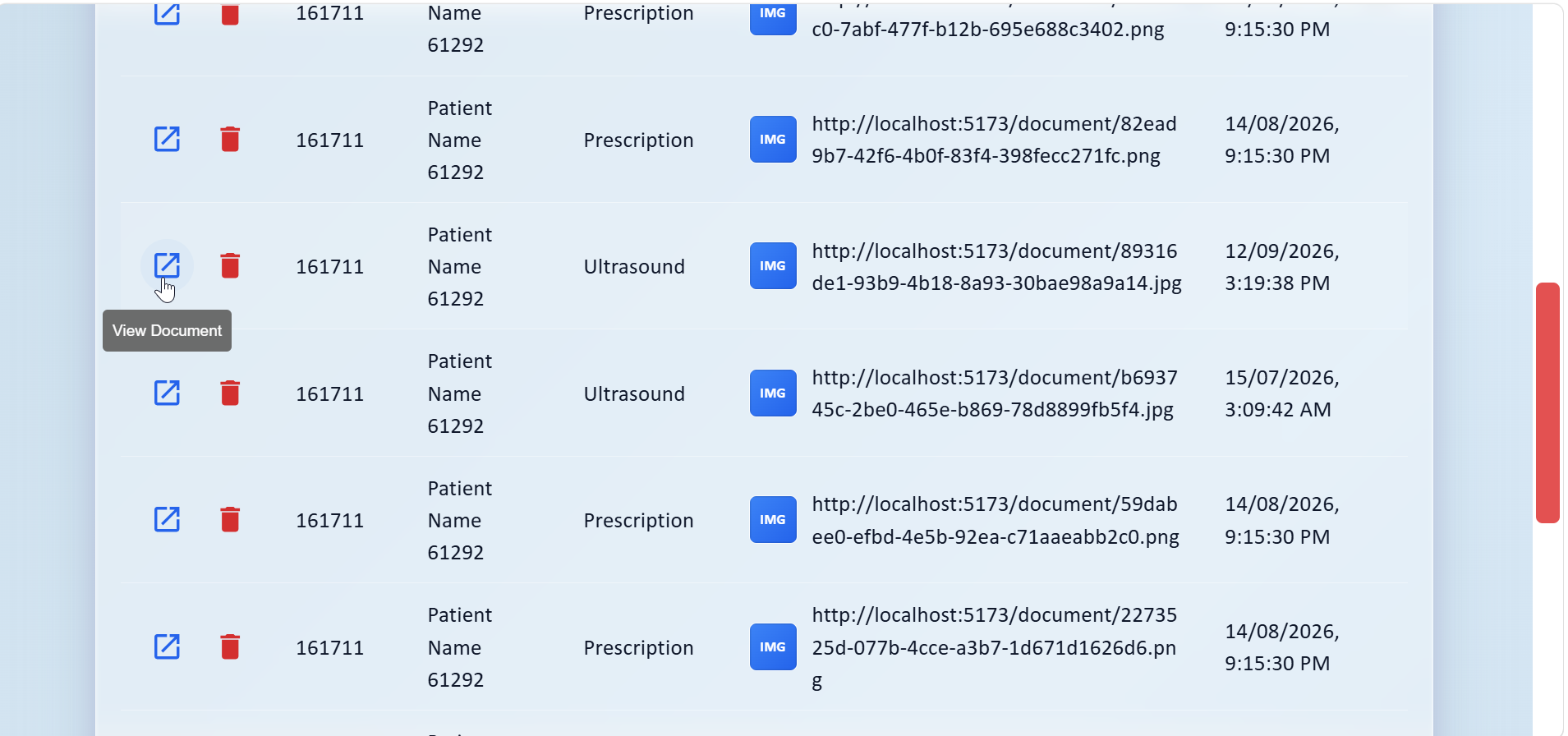
Clinic technicians are specialists in radiography and medical procedures, not computers. If presented with complex navigation menus or manual document categorization options, misfiling was common (e.g. an X-Ray scan accidentally filed as an Ultrasound report). To make the system foolproof, we engineered automatic role-based navigation and document categorization:
- X-Ray Department (
xr123): Header navigation is locked exclusively to "Documents". When the technician clicks "Add Document", the document type dropdown automatically locks to X-Ray. - Ultrasound Department (
us123): Navigation is locked exclusively to "Documents". "Add Document" automatically pre-selects Ultrasound. - Prescription Department (
ps123): Access is limited to "Documents" and "Files". "Add Document" automatically pre-selects Prescription. - PFT Department (
pft123): Direct document access with automatic default to PFT. - Admin (
admin): Full clinical permissions across Patient Records, Appointment Queue, Document Vault, Files Dossier, and Financial Auditing.
06. Client-Side Consolidated Patient Dossier Synthesis
The Problem: When a physician consults with a patient, they need to review all tests ordered across different dates and floors simultaneously: the chest X-Ray from floor 2, the abdominal ultrasound from floor 1, the hand-written prescription, and the blood test lab report. Merging high-resolution bitmaps, PDFs, and Word reports on the internal Linux server would cause extreme CPU spikes and choke the mini-server during peak hours.
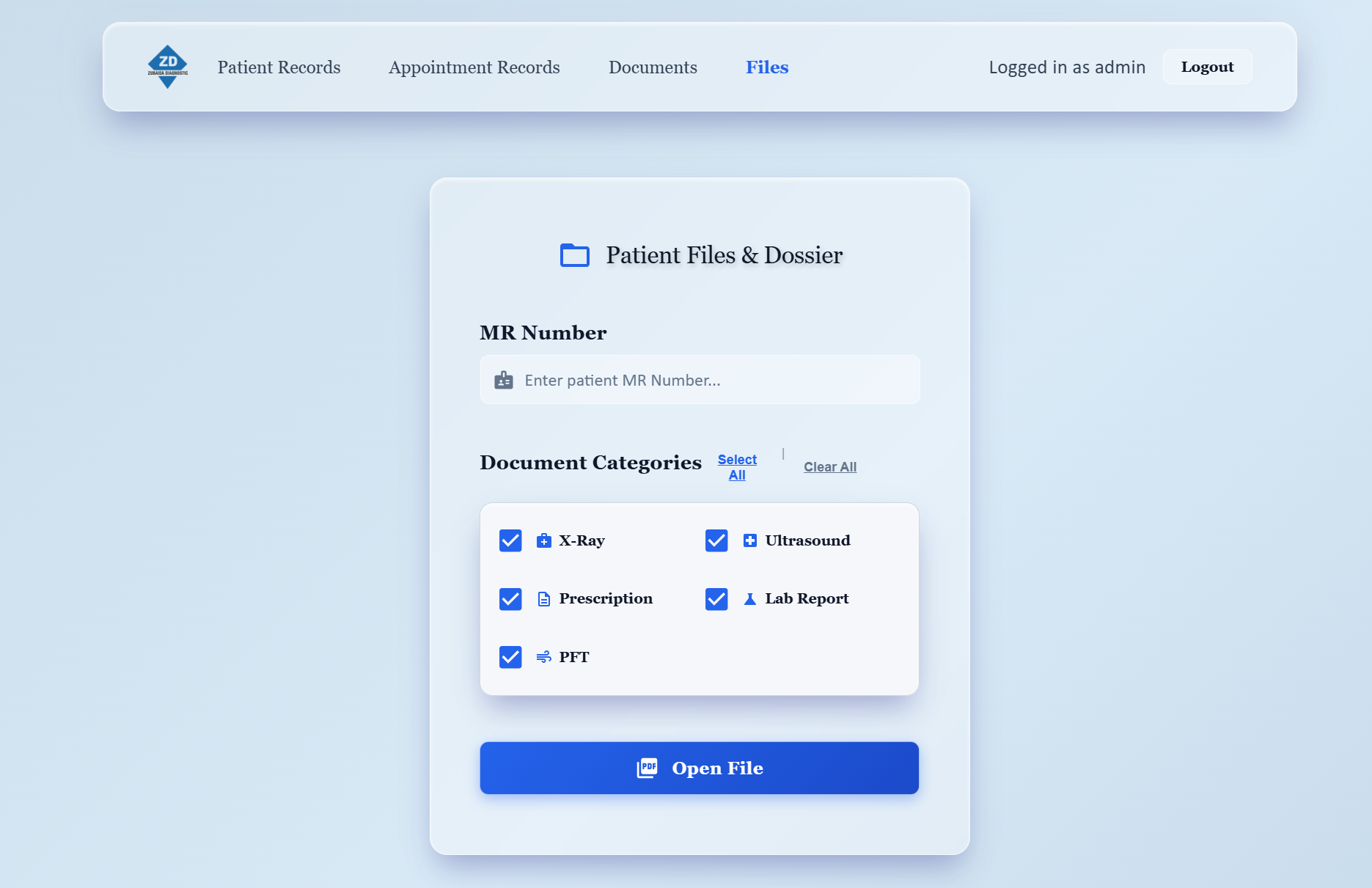
The Engineering Fix: We engineered a high-performance client-side PDF synthesizer using pdf-lib and offscreen HTML5 canvas conversion. In the "Files" tab, entering an MR Number retrieves all corresponding documents. The physician or receptionist can dynamically toggle document categories:
The browser pulls raw binary files from the local server, standardizes various image formats (BMP, WebP, PNG, JPEG) into uniform Uint8Array buffers, generates a formal clinical cover page with patient demographics, stamps headers, watermarks, page numbering, and downloads a unified, print-ready PDF dossier in seconds without stressing the central server.
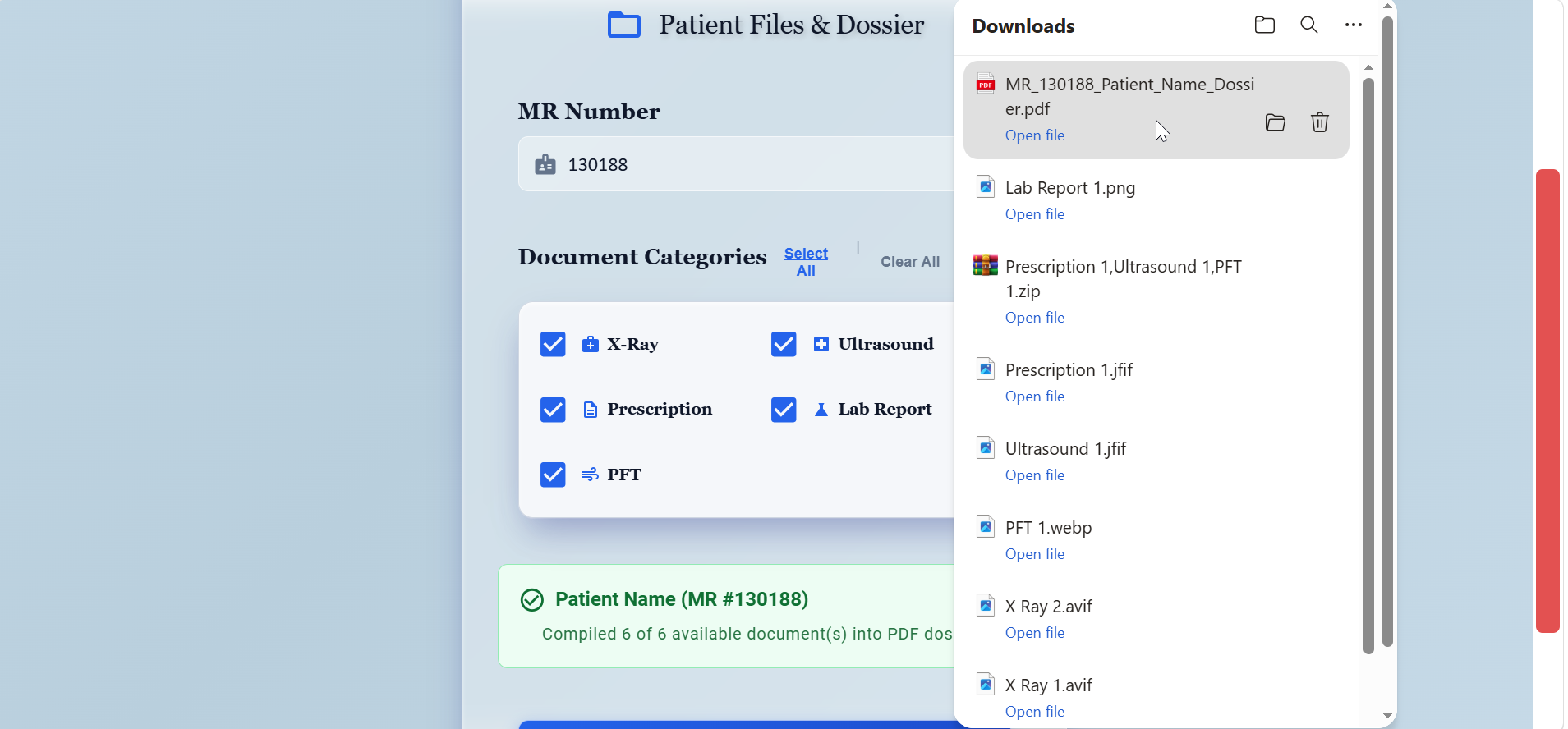
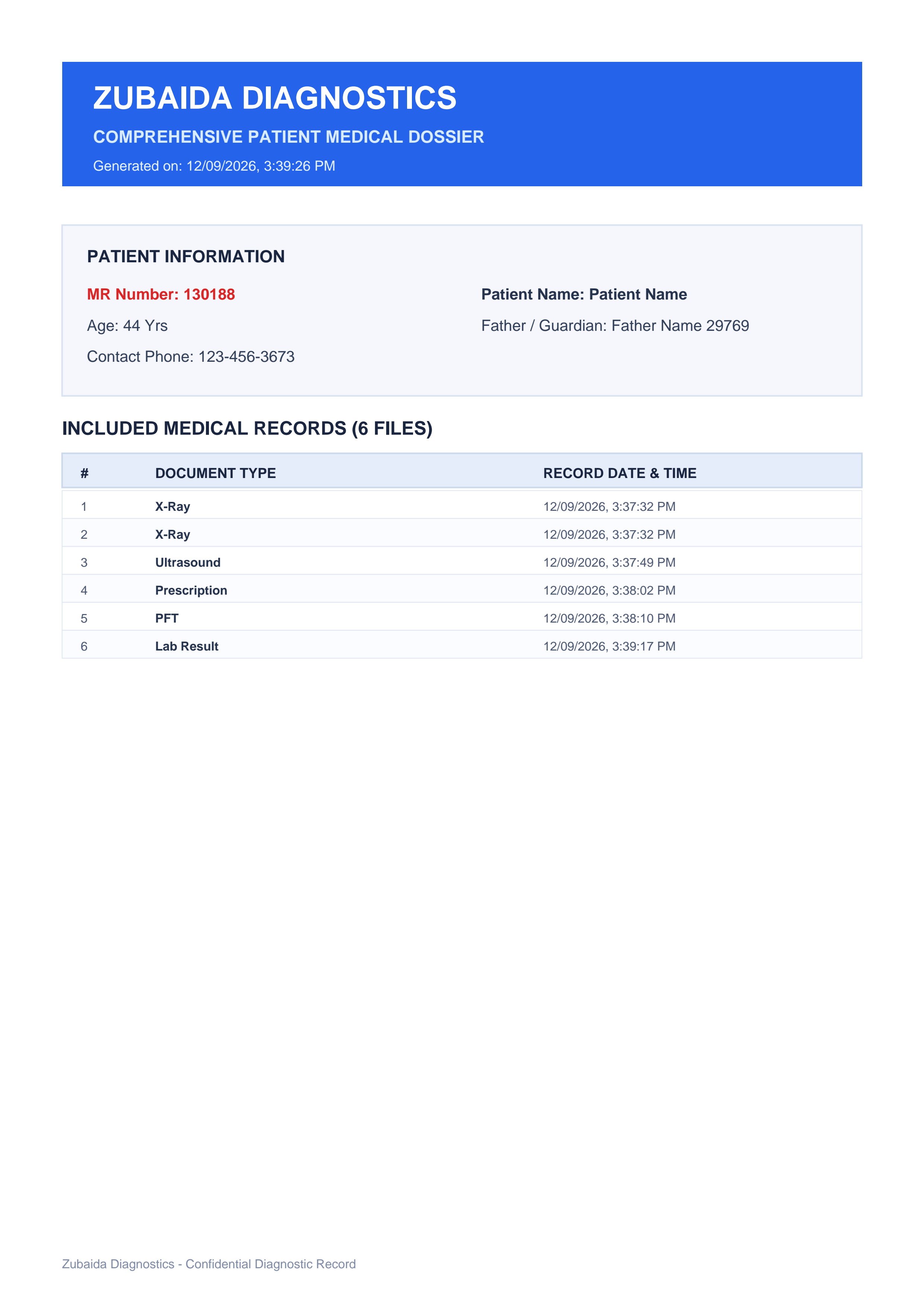
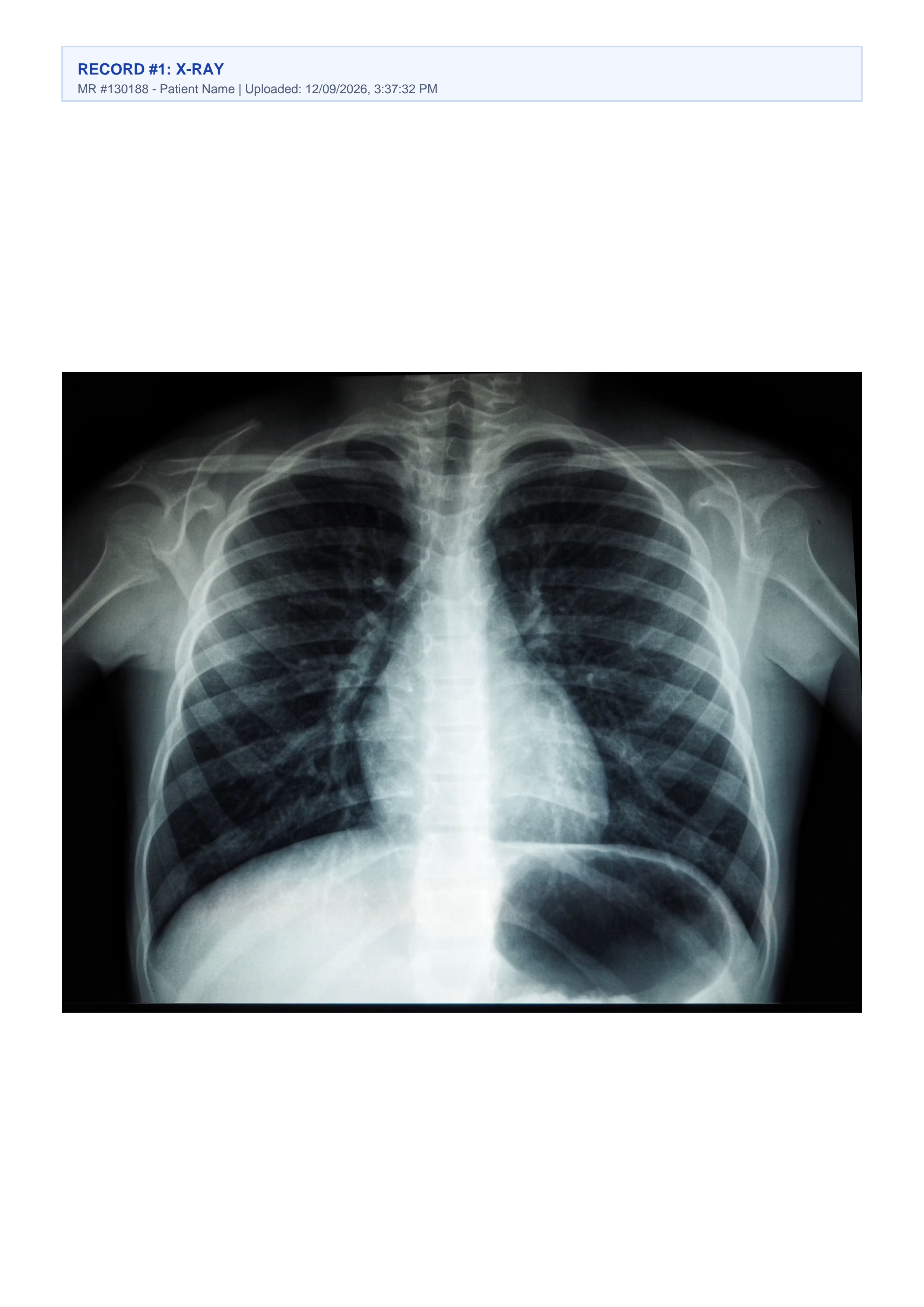
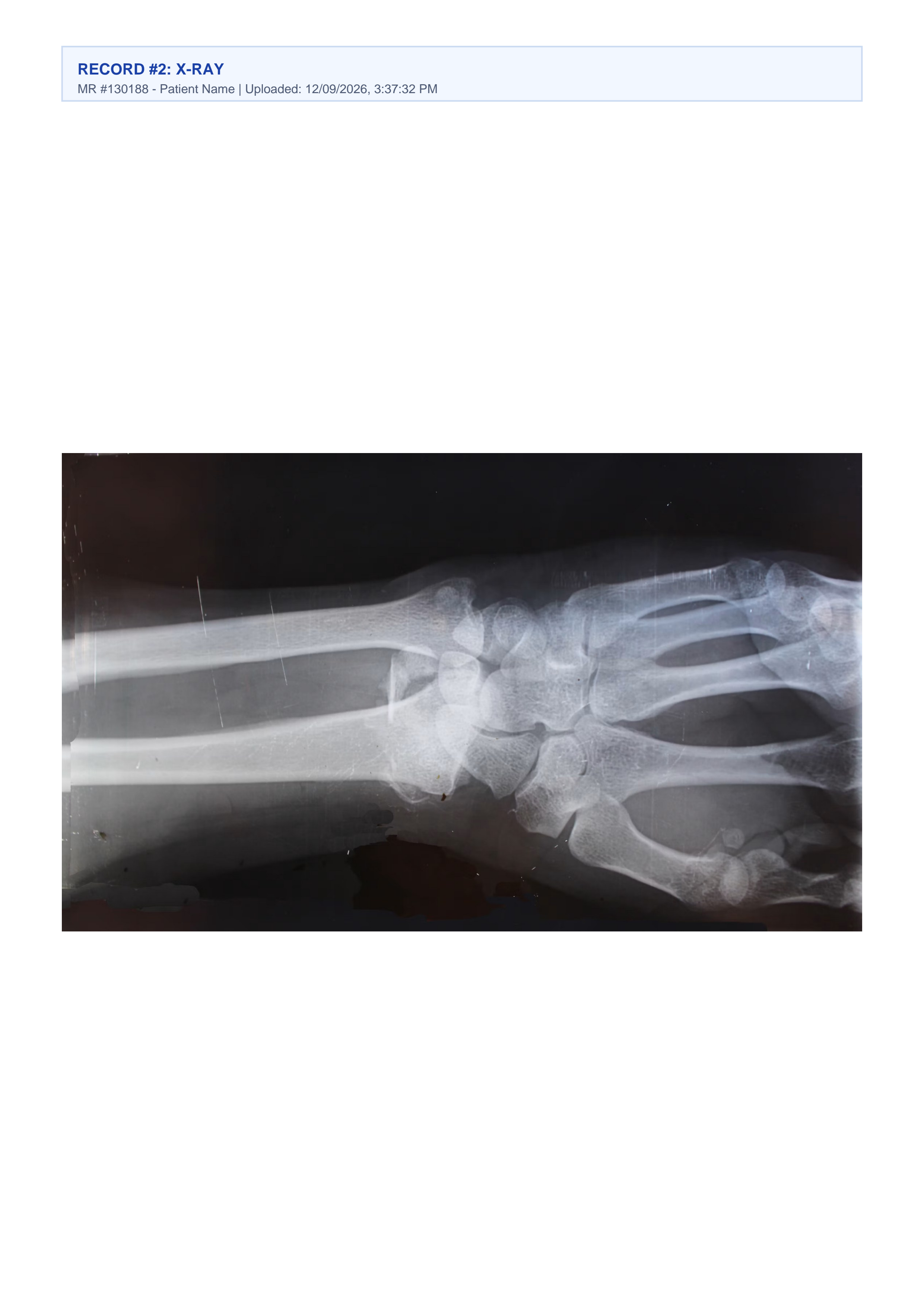
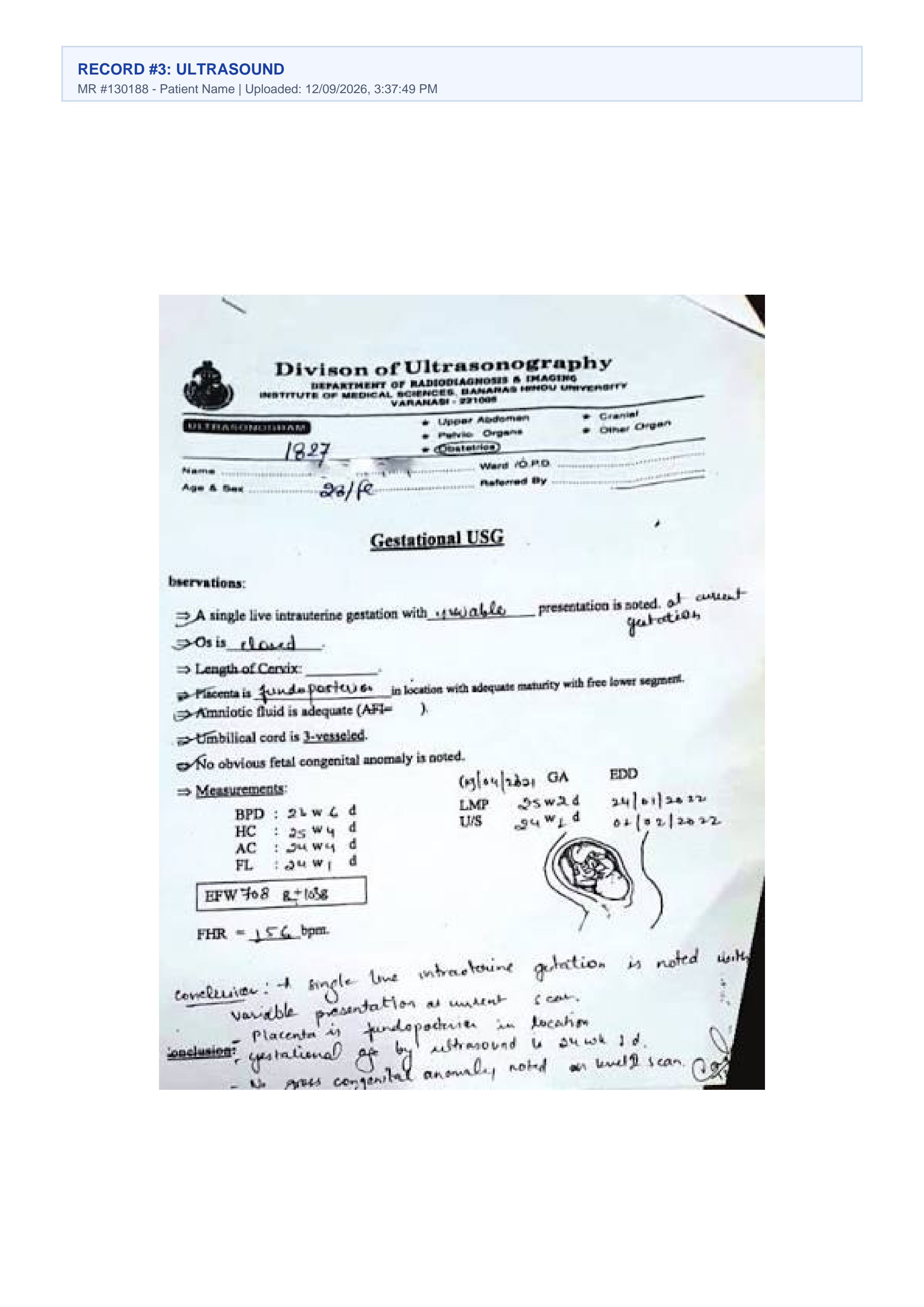
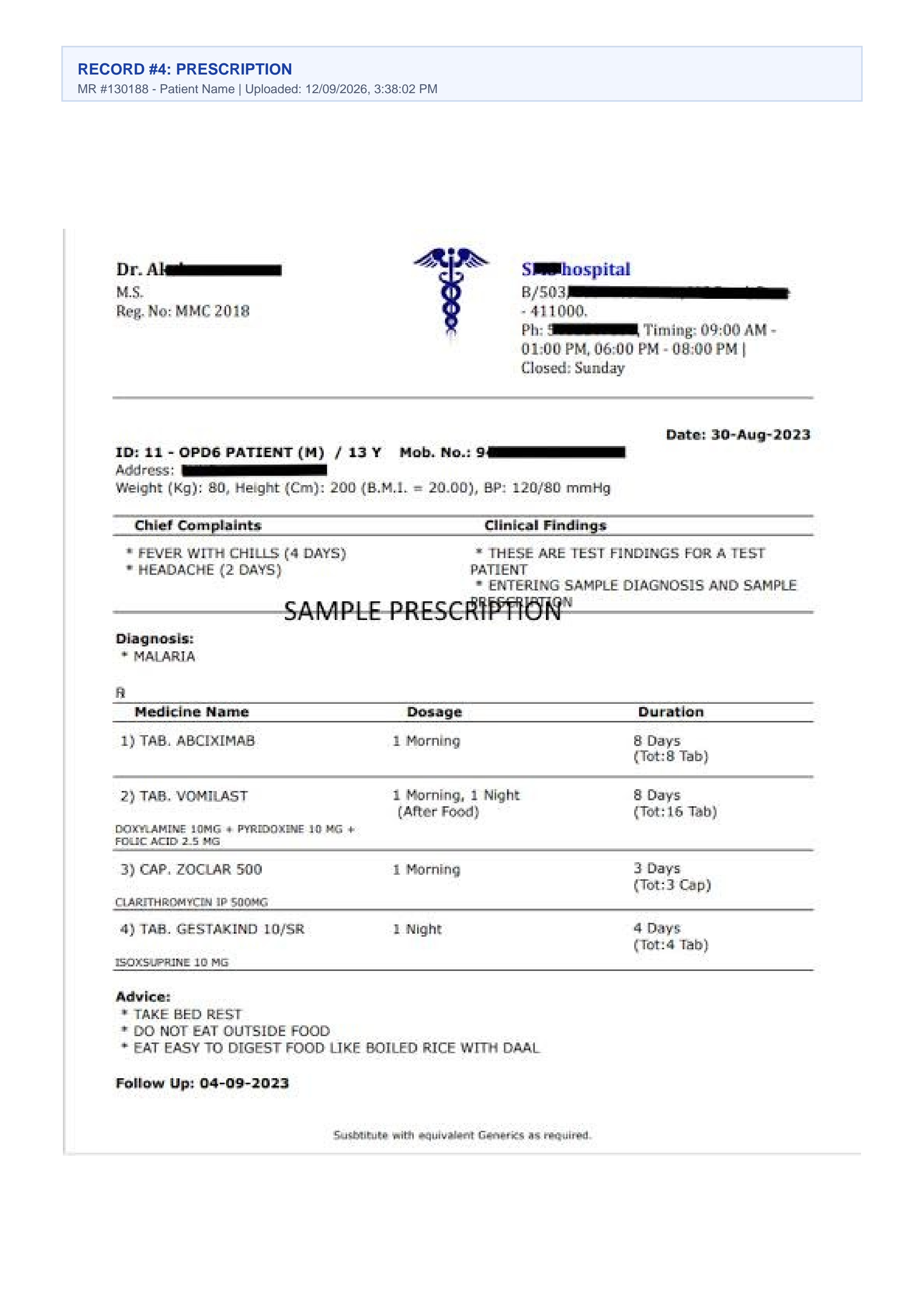
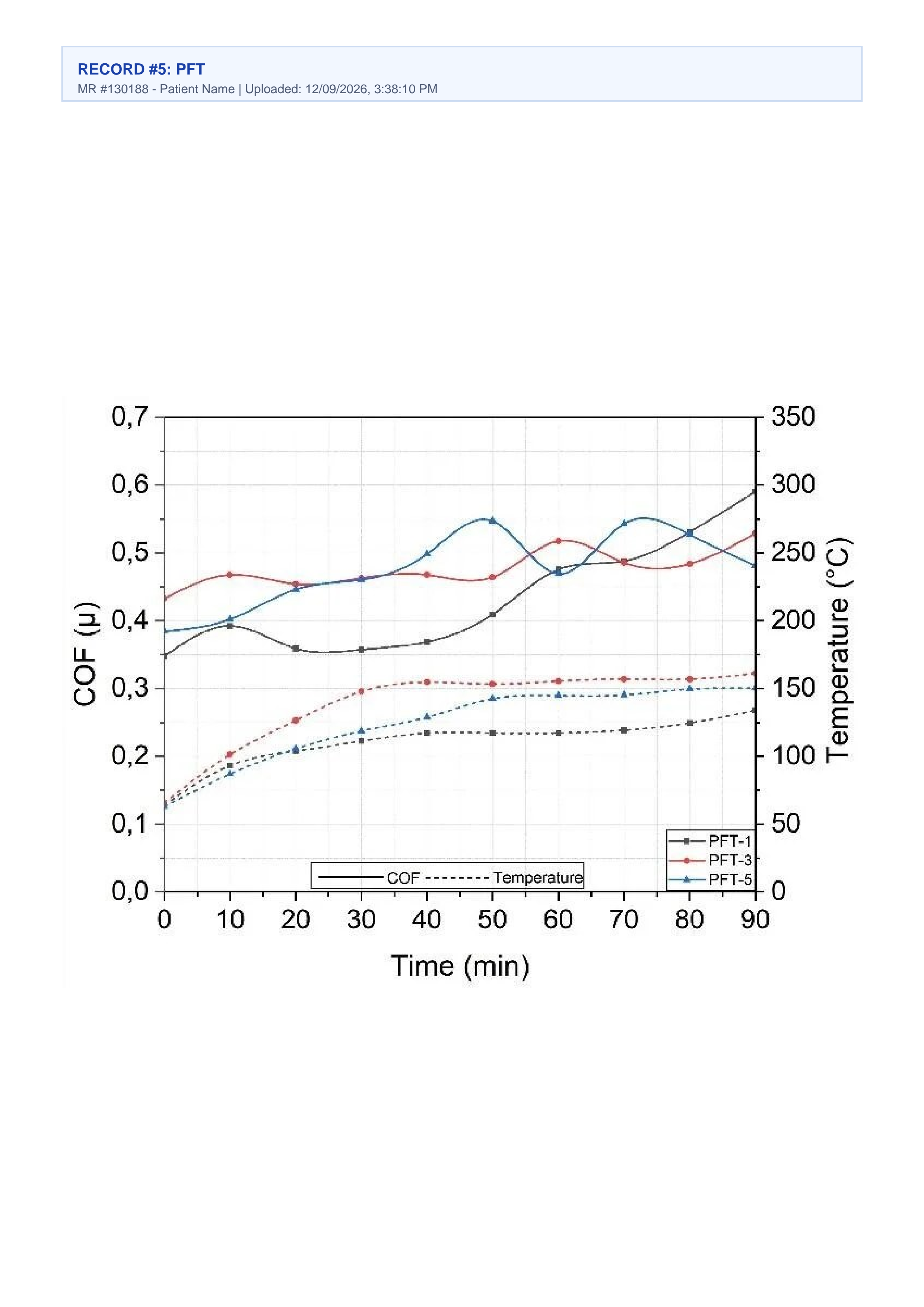
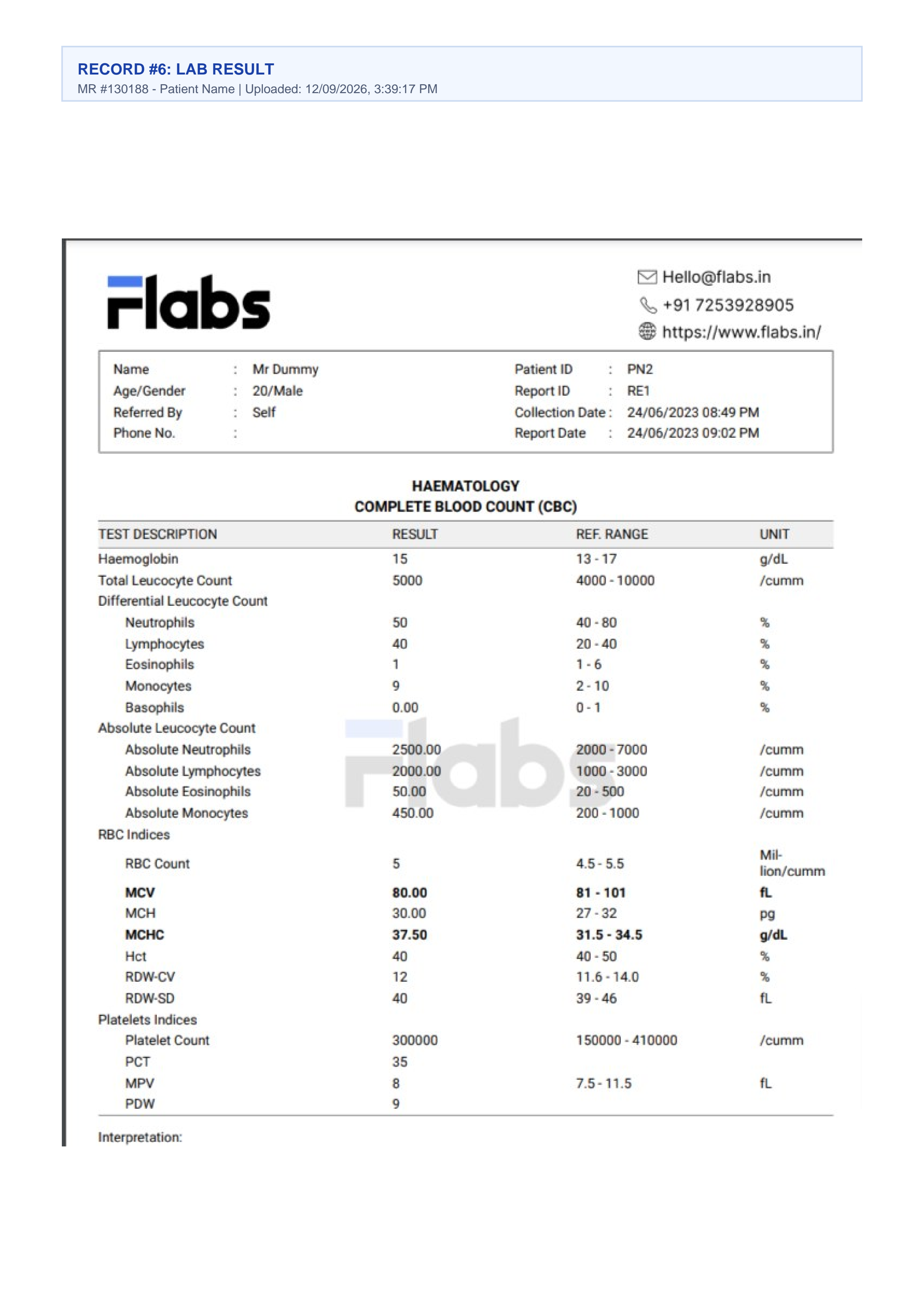
Production Patient Dossier Preview (MR #130188)
Inspect an authentic 7-page patient dossier generated live by the system. Notice the clinical header formatting, patient MR Number metadata, physician test orders, and multi-department imaging archives seamlessly stitched together.
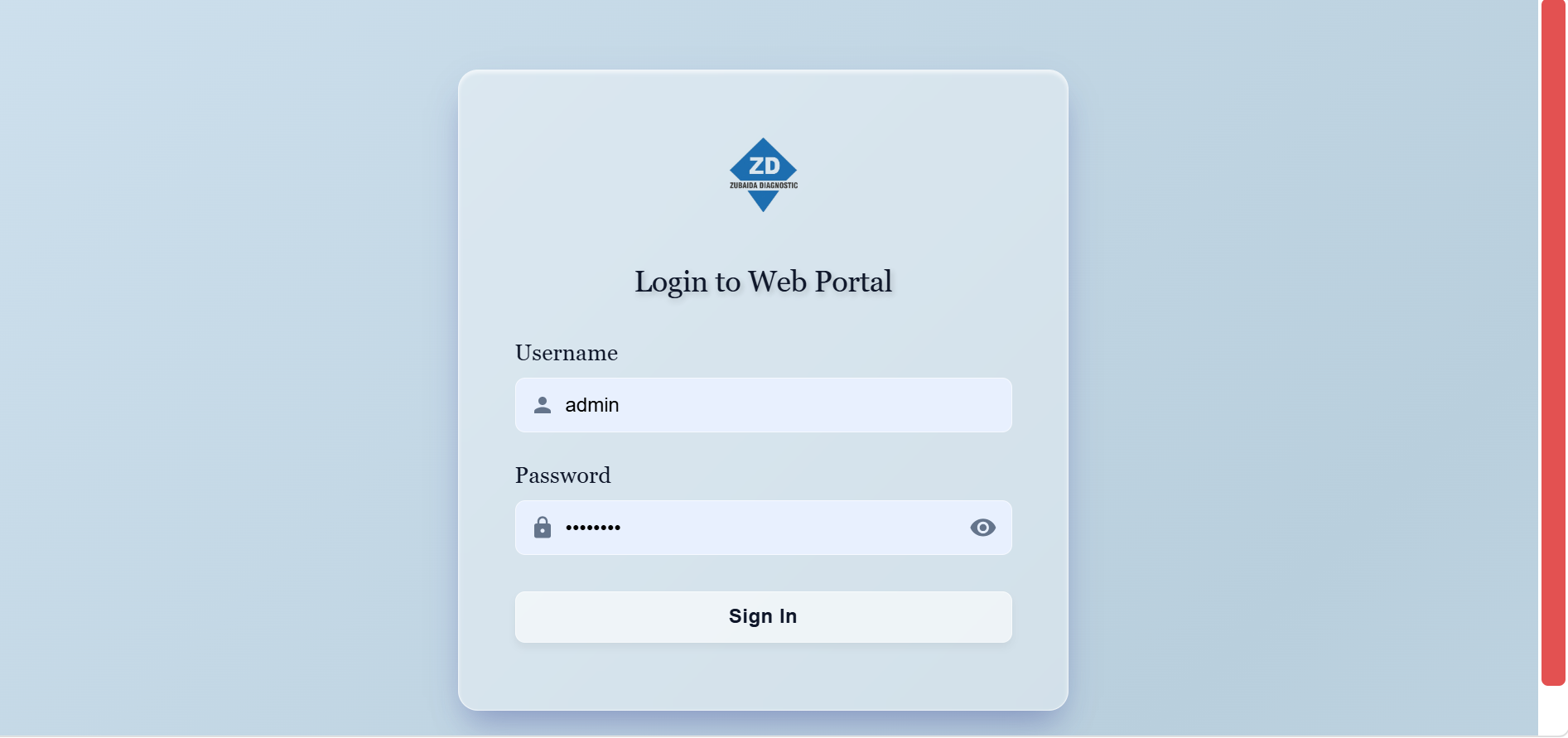
Clinical Analytics & Authentication Portal
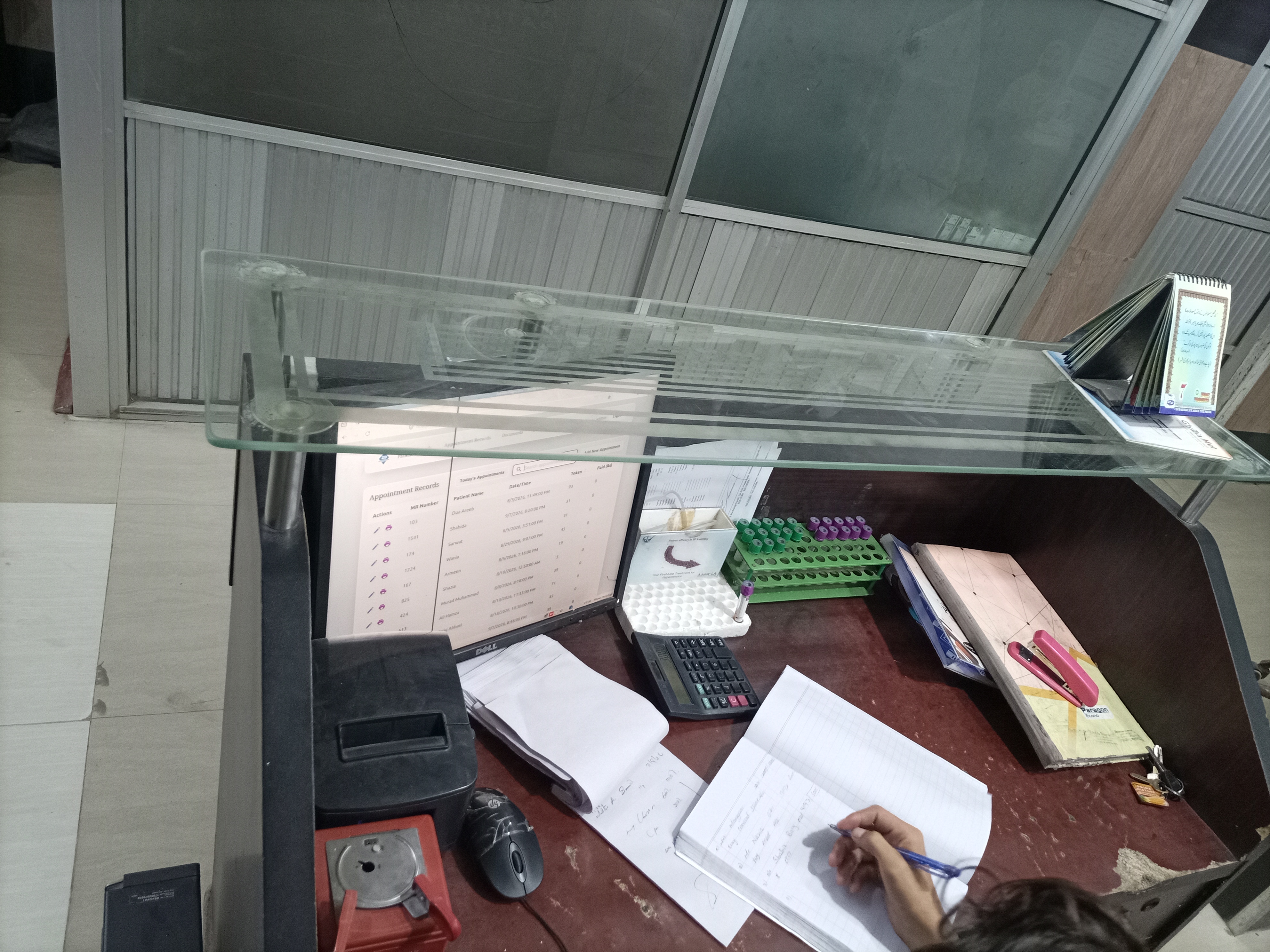
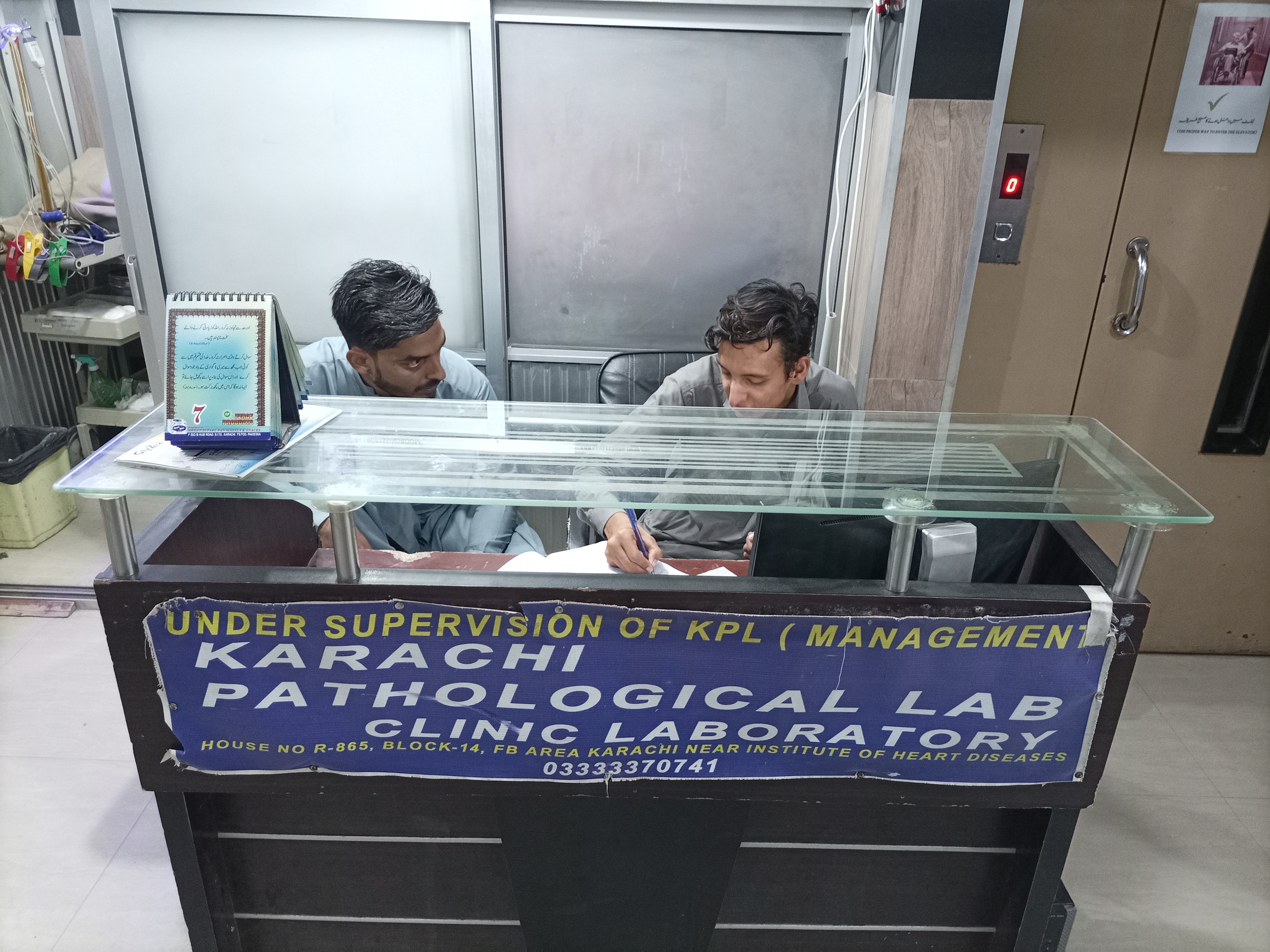
Clinic Floor Infrastructure & Workstations
Every line of code was engineered to survive the rugged reality of a real hospital: dusty reception counters, legacy computers that cannot be upgraded, non-technical medical assistants, and continuous daily foot traffic.
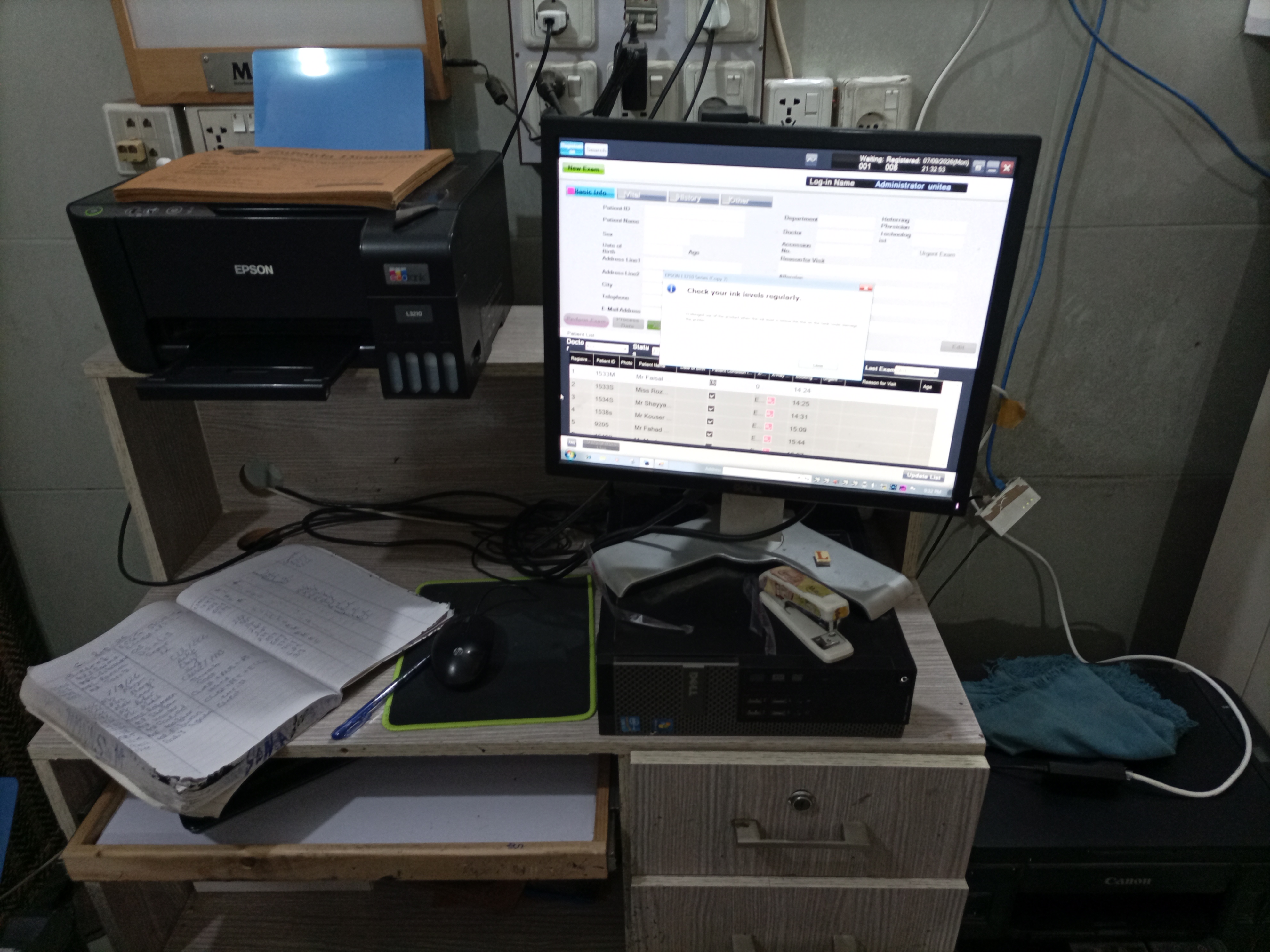
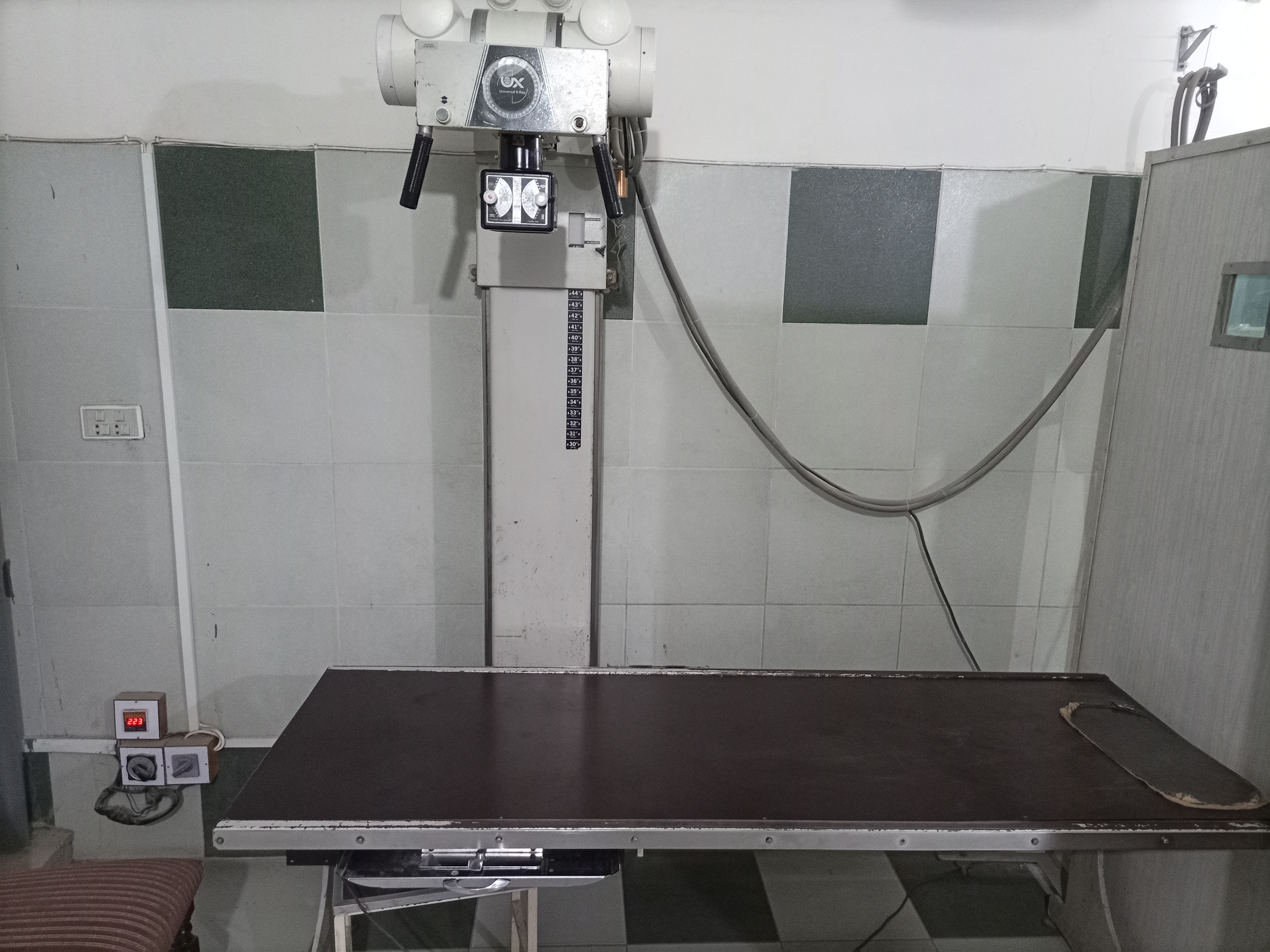
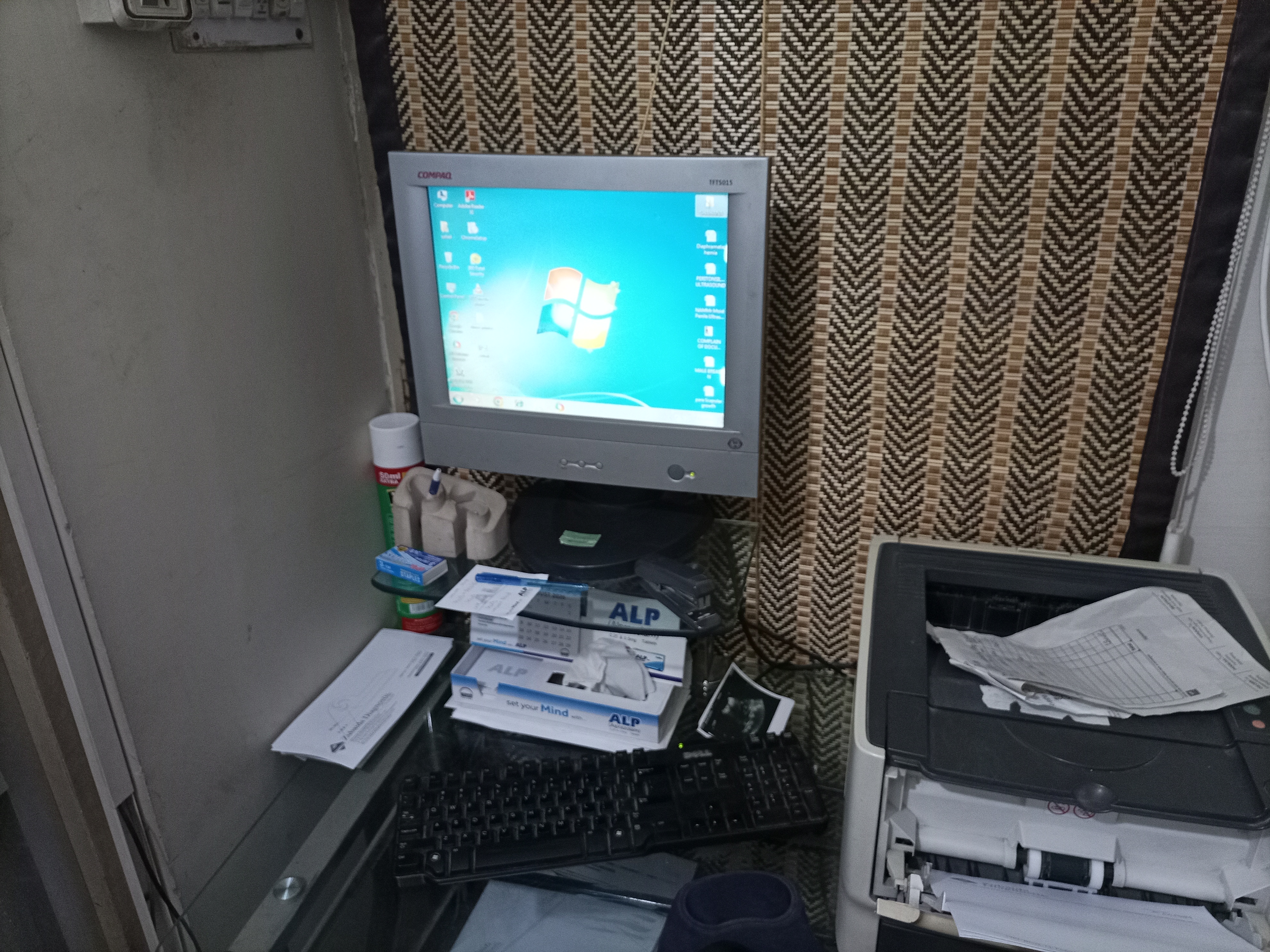
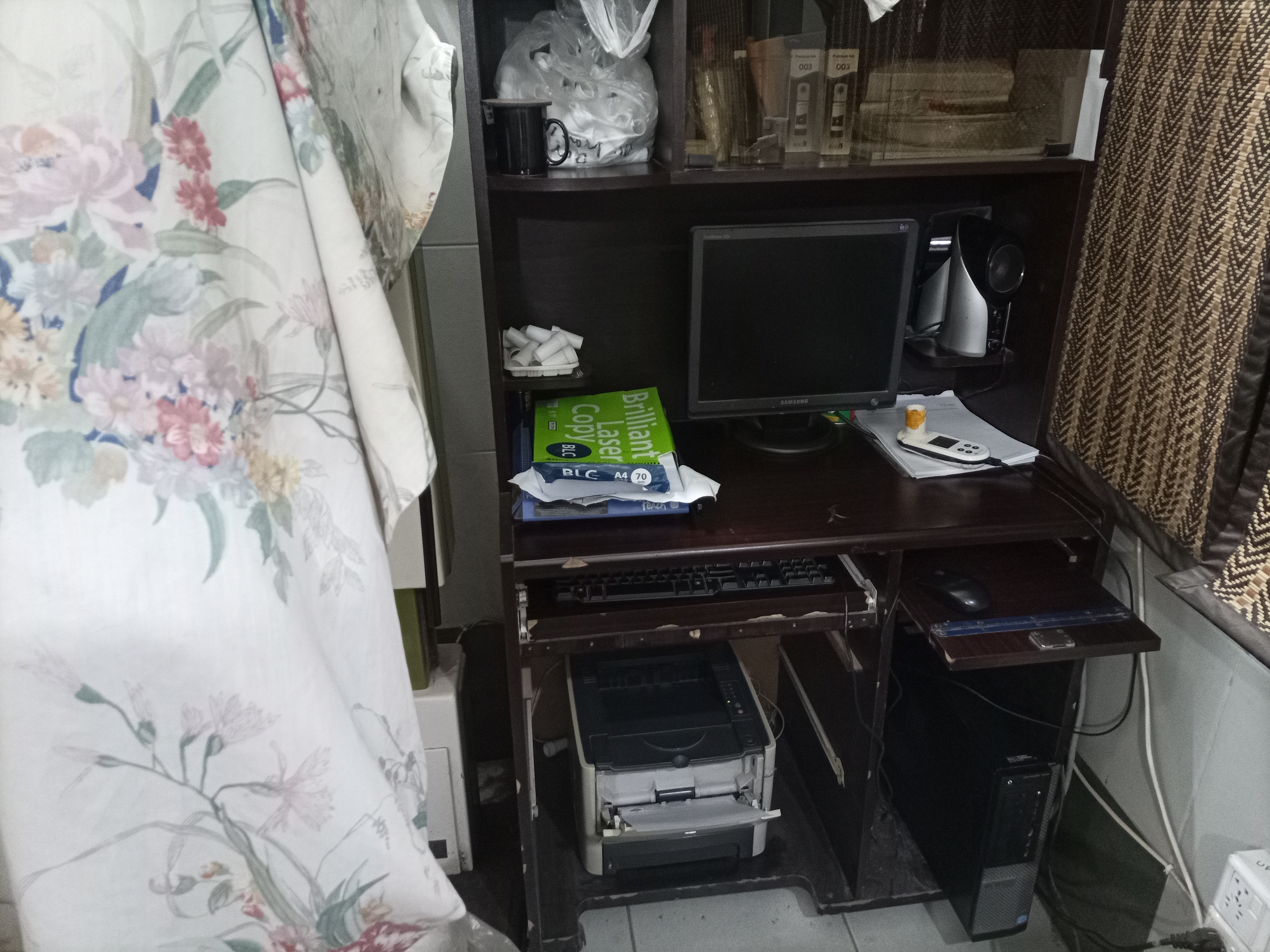
Production Lubuntu Server Deployment & Nginx Reverse Proxy
The local server runs Lubuntu (minimal LXQt environment) on an air-gapped mini-PC bound to static intranet IP 192.168.0.118. Below is the verified Nginx reverse proxy configuration (zubaida.conf), configured with a 100MB body upload limit and 300-second timeouts to stream massive medical imaging files reliably without disconnecting.
server {
    listen 80 default_server;
    listen [::]:80 default_server;

    server_name zubaida.internal zubaida.local 192.168.100.84 192.168.100.108 100.67.87.4 main-server _;

    # Allow heavy radiological DICOM, ultrasound, and high-DPI scans up to 100MB
    client_max_body_size 100M;

    # Static React 18 Single Page Application build
    location / {
        root /var/www/zubaida-frontend;
        index index.html;
        try_files $uri $uri/ /index.html;
    }

    # Node.js Express REST API Gateway
    location /api/ {
        proxy_pass http://127.0.0.1:3000/api/;
        proxy_http_version 1.1;
        proxy_set_header Upgrade $http_upgrade;
        proxy_set_header Connection 'upgrade';
        proxy_set_header Host $host;
        proxy_cache_bypass $http_upgrade;
        proxy_read_timeout 300s;
        proxy_connect_timeout 300s;
        proxy_send_timeout 300s;
        client_max_body_size 100M;
    }

    # Dedicated streaming endpoint for radiological vaults & files
    location /document/ {
        proxy_pass http://127.0.0.1:3000/document/;
        proxy_http_version 1.1;
        proxy_set_header Upgrade $http_upgrade;
        proxy_set_header Connection 'upgrade';
        proxy_set_header Host $host;
        proxy_cache_bypass $http_upgrade;
        proxy_read_timeout 300s;
        proxy_connect_timeout 300s;
        proxy_send_timeout 300s;
        client_max_body_size 100M;
    }
}